 Quincy Labs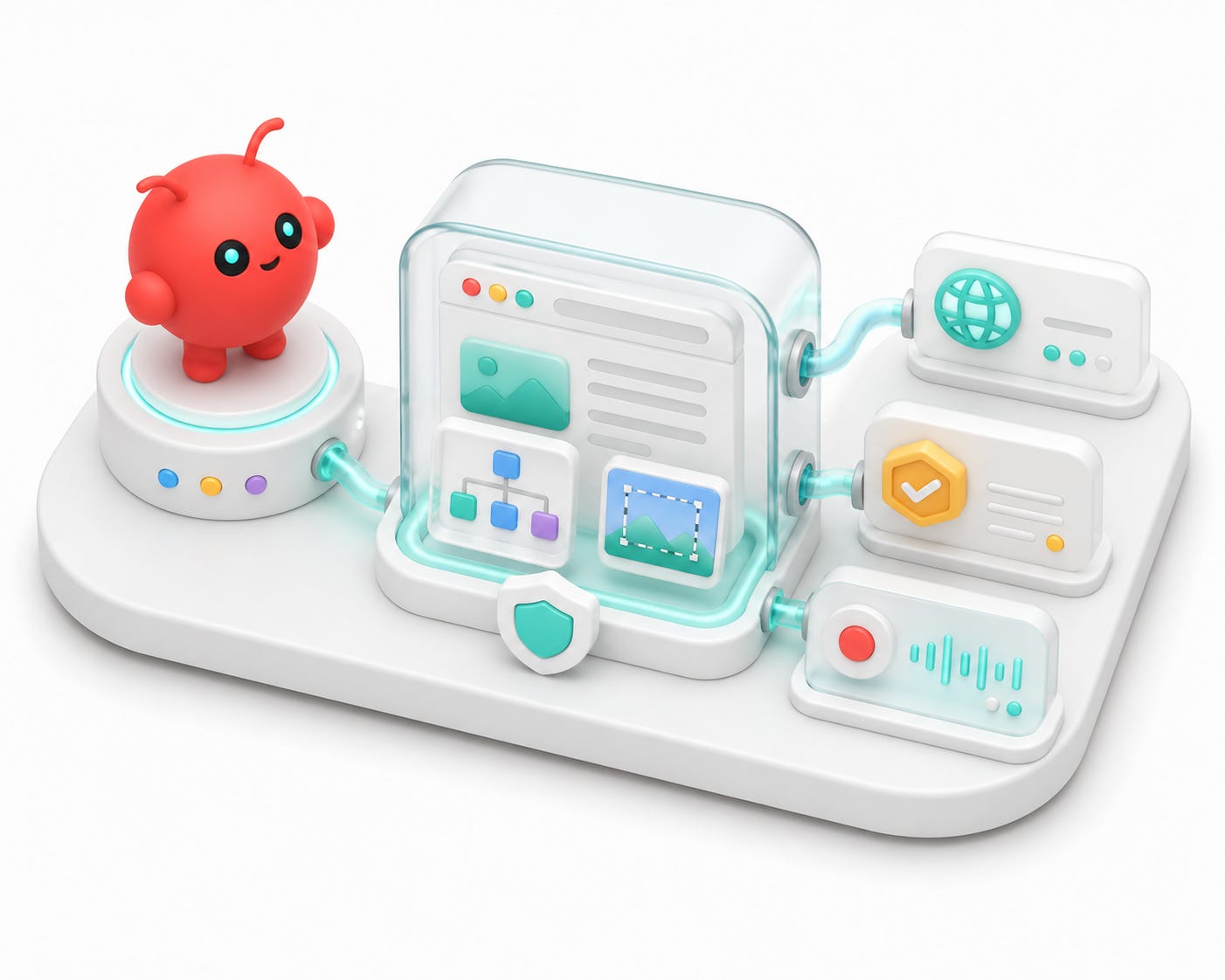
After MCPs, the next layer was browser access.
Not search. Not a static fetch. Not "summarize this page from a URL."
A real browser.
Agents become much more useful when they can open a page, inspect the DOM, click through a workflow, capture screenshots, and come back with evidence. They also become much riskier. A browser session can hold logins, cookies, forms, dashboards, settings pages, payment flows, admin panels, and account state.
So I did not want to hand OpenClaw a vague "go browse the web" capability and hope for the best.
Browserbase is the piece I added for that reason.
The way I think about it is simple:
# ==================== TEXT CODE ====================
Browserbase is browser infrastructure for agents.
It gives an agent a browser runtime that can be treated like infrastructure: isolated sessions, persistent contexts, live inspection, recordings, logs, screenshots, and hosted execution when the work should not depend on a local desktop browser.
For OpenClaw, that matters because the agent is not only a terminal tool anymore. It is reachable from channels. Once an agent can be triggered from Slack, Telegram, or another messaging surface, browser access needs to become deliberate.
The browser should be powerful when intentionally invoked.
It should not be ambiently dangerous.

Search and browsing are different tools
Search answers one kind of question:
# ==================== TEXT CODE ====================
What pages exist that might answer this?
A browser answers a different question:
# ==================== TEXT CODE ====================
What does this page actually do when a user interacts with it?
That difference matters.
If I need current documentation, a search tool, Ref, Firecrawl, fetch, or a normal HTTP path might be enough. If I need to verify whether a local dashboard renders, whether a login flow works, whether a button is visible, whether a modal blocks the page, or whether a UI actually submits a form, search is not the right tool.
The agent needs a browser.
For OpenClaw, I cared about four browser use cases:
• Inspecting local control surfaces.
• Debugging web apps with screenshots and DOM state.
• Reading dynamic pages that do not behave like static HTML.
• Giving future automations a reproducible browser runtime with logs and recordings.
That is where Browserbase fit.
The browser layer sits beside MCP
The mental model is:
# ==================== TEXT CODE ====================
Channel -> OpenClaw gateway -> agent session -> MCP tools / browser tools -> reply
Browserbase is not how a Slack mention reaches OpenClaw. It is not the channel adapter. It is not the model route. It is a tool layer the agent can use after the turn has started.
That distinction is the same one from the MCP post:
# ==================== TEXT CODE ====================
Slack integration is how the bot hears you.
Slack MCP is a tool the bot can use after it hears you.
Browserbase is also a tool.
Keeping those layers separate makes the system easier to debug.
If the bot does not reply in Slack, that is not a Browserbase problem. If the bot replies but cannot open a page or return a screenshot, then the browser layer becomes the thing to inspect.
Use the lightest web tool that works
Browserbase does not mean every URL should become a full browser session.
The practical order is:
1. Search when I do not know which page to open.
2. Fetch or scrape when I know the URL and only need content.
3. Use a browser session when the page needs JavaScript, login, clicking, forms, screenshots, or DOM inspection.
4. Use a persistent context when login state or browser state should survive across sessions.
5. Use a hosted function when the workflow should run as infrastructure instead of a one-off local command.
That order matters because browser sessions are powerful and stateful. They should be used when the task actually needs a browser.
The browser is an escalation path, not the default answer to every web question.
Contexts are useful, but they are sensitive
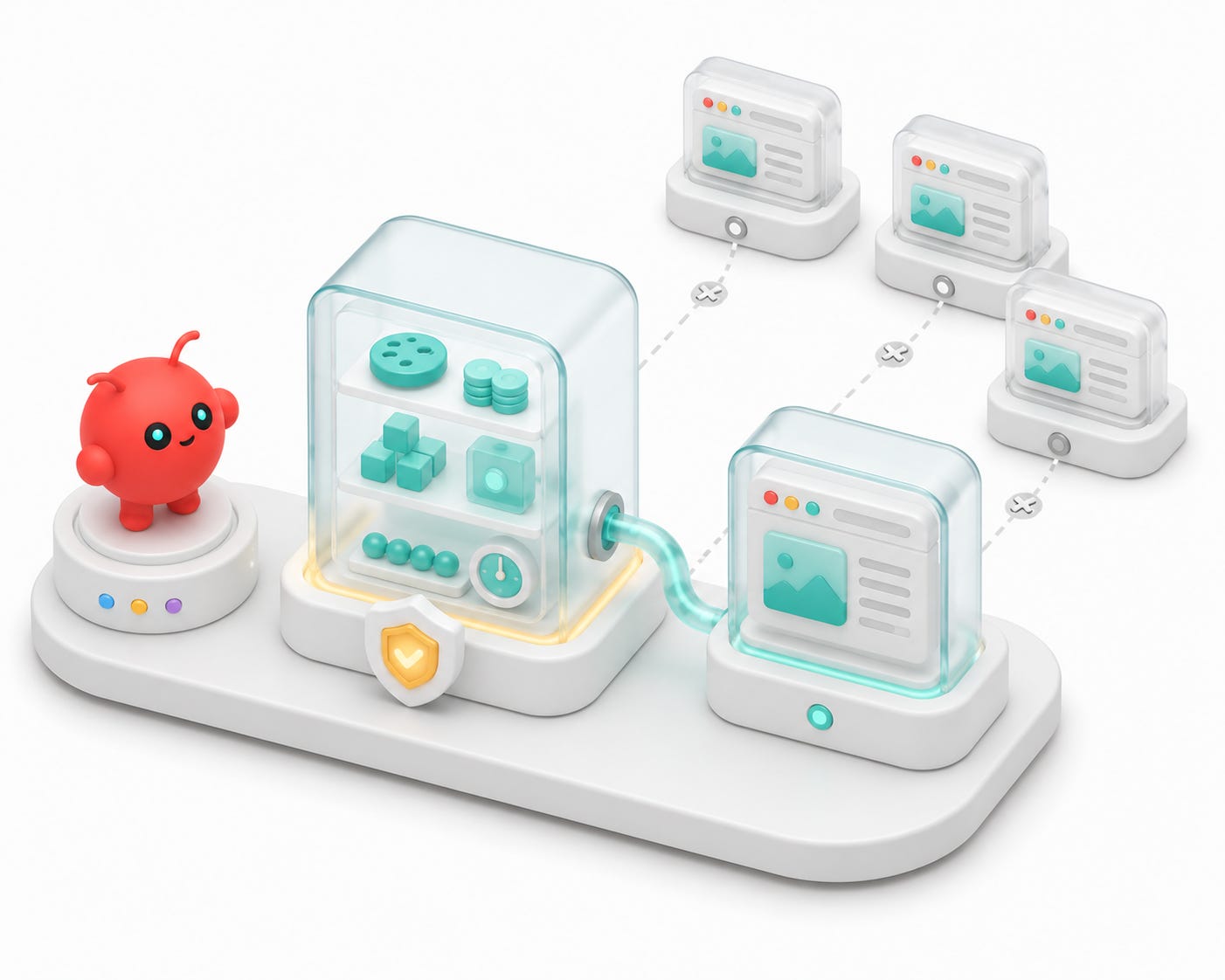
One of Browserbase's important primitives is the Context.
The current Browserbase docs describe Contexts as a way to persist browser user data across sessions. That includes things like cookies, localStorage, IndexedDB, session storage, service workers, web data, and browser preferences.
That makes repeated authenticated workflows possible.
For example:
# ==================== TEXT CODE ====================
Create context -> log in once -> reuse context -> future browser sessions start authenticated
That is useful. It is also sensitive.
A context can hold the practical equivalent of a login. That means it should be scoped like a credential:
• One context per site/account combination.
• No giant universal context for everything.
• No casual reuse across unrelated workflows.
• No simultaneous sessions against the same context unless the site tolerates it.
• Delete contexts that are no longer needed.
• Treat recordings and logs from authenticated sessions as private artifacts.
The important lesson is not "persist everything."
The lesson is:
# ==================== TEXT CODE ====================
Persist browser state only when the workflow justifies it.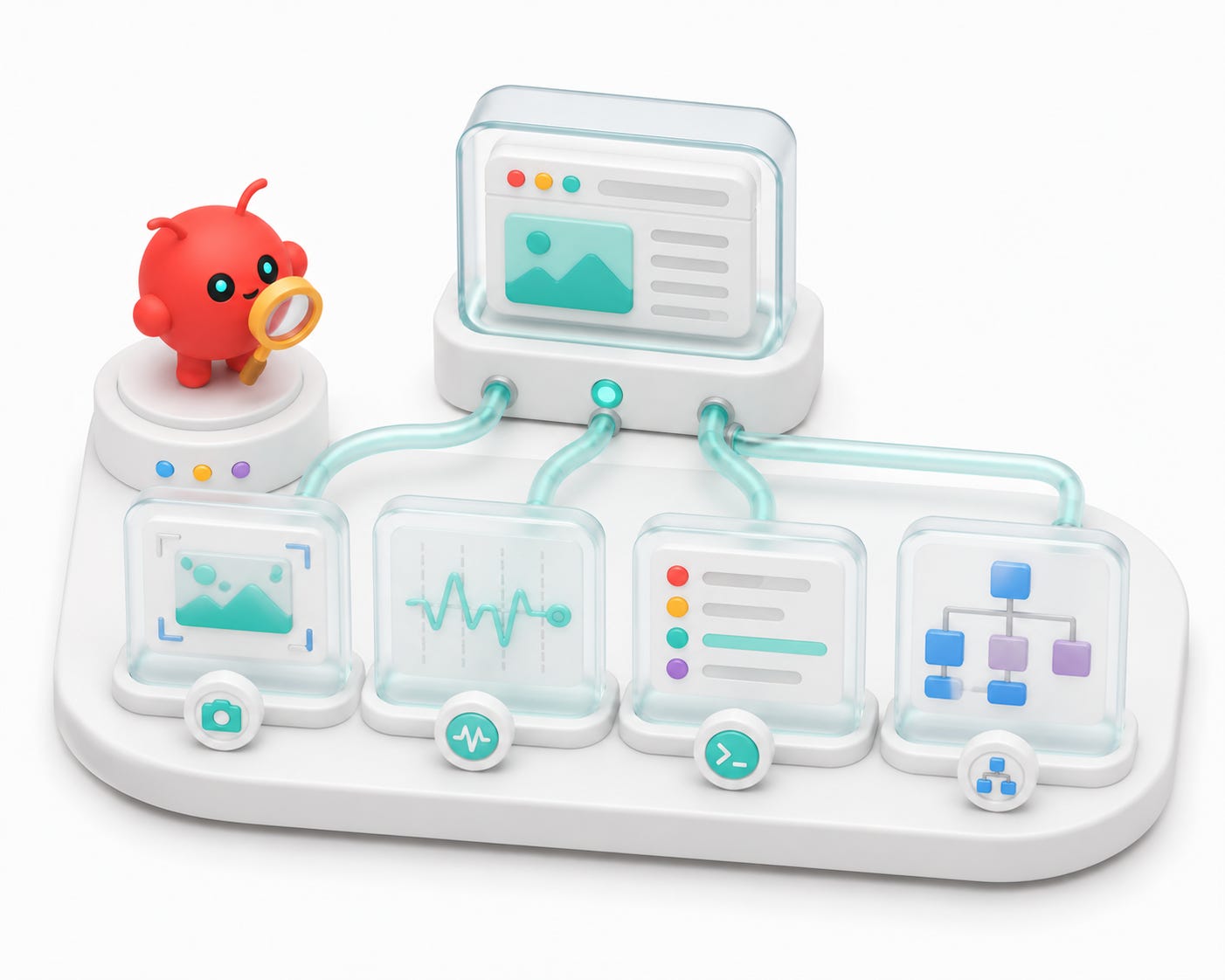
Why traces are better than vibes
The biggest advantage of a real browser runtime is traceability.
When an agent says "the page failed," that is not enough.
I want to know:
• What URL loaded?
• What network requests fired?
• What console errors appeared?
• What screenshot was visible?
• What DOM state existed when the agent clicked?
• Did the failure happen before or after navigation?
• Was the button absent, hidden, disabled, or covered by another element?
Browser traces turn browsing from storytelling into evidence.
That matters most when the agent is debugging UI. A screenshot can prove overlap, missing text, a broken responsive layout, or a blank canvas. A network trace can prove that an API returned 401 instead of guessing that the frontend is broken. A DOM snapshot can prove whether an element exists but is hidden.
For a workstation agent, this is the difference between:
# ==================== TEXT CODE ====================
I think the page is broken.
and:
# ==================== TEXT CODE ====================
Here is the screenshot, console error, network status, and DOM state.
That evidence is what makes browser automation trustworthy enough to use in an agent workflow.
Safe browser patterns
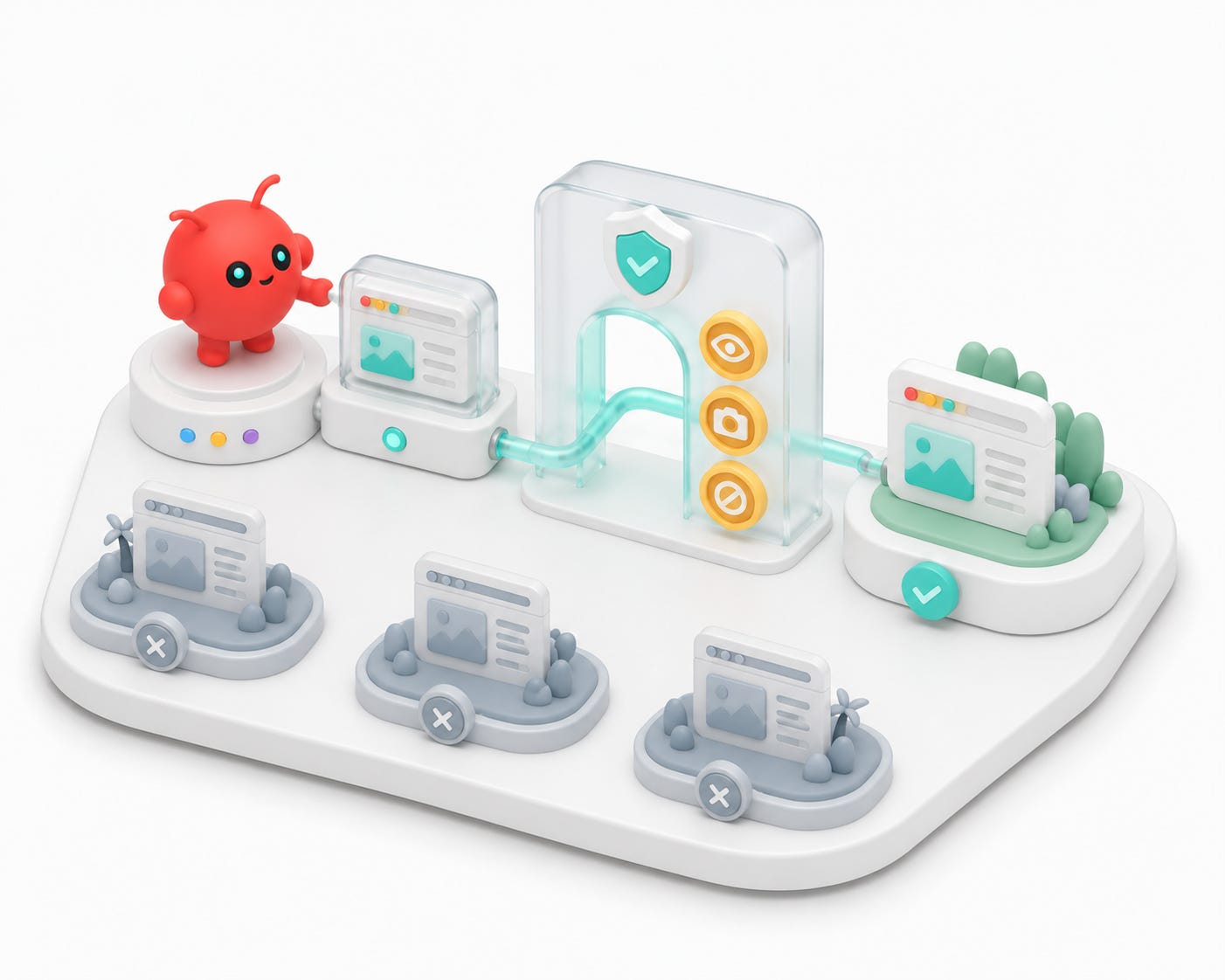
The most important Browserbase-adjacent idea is not a command. It is the safe browser pattern.
A normal browser tool can easily become too broad. If the agent can go anywhere, click anything, and carry logged-in state everywhere, then every prompt becomes a trust problem.
A safer pattern constrains the browser around the task:
• Which domains are allowed?
• Is this read-only inspection or a write action?
• Should cookies be available?
• Can the agent navigate off-domain?
• Can it download files?
• Can it upload files?
• Can it submit a form?
• Should it return screenshots, DOM state, trace logs, or all of the above?
For OpenClaw, this matters because the agent is reachable from messaging channels. A terminal-only agent already needs guardrails. A chat-reachable agent with browser access needs stronger ones.
I want the browser to feel like a tool that is checked out for a job, not a permanent privilege attached to every message.
Local browser versus Browserbase
There are two useful browser modes in this stack.
The first is local browsing.
That is useful for local dashboards and localhost tools:
# ==================== TEXT CODE ====================
OpenClaw Control
Agent Office
Mission Control
local web apps
localhost debug views
Local browsing is fast and close to the machine. It is the right tool when the target only exists locally.
The second is a managed Browserbase session.
That is useful when I want isolation, reproducibility, recordings, hosted execution, or a browser environment that is not my personal desktop browser.
The dividing line is not:
# ==================== TEXT CODE ====================
local bad, cloud good
The dividing line is:
# ==================== TEXT CODE ====================
What is the agent inspecting, and how much isolation do I want?
For a local OpenClaw dashboard, local browser automation makes sense. For a repeatable research, QA, or cloud-run workflow, Browserbase is often cleaner.
Functions move browser work out of the laptop
Browserbase also matters because browser work can become infrastructure.
Once a browser workflow is stable, I do not necessarily want it to depend on a shell staying open on my laptop. Browserbase's runtime and Functions model points toward a cleaner pattern:
# ==================== TEXT CODE ====================
Build locally -> test browser workflow -> deploy as an invokable function
That matters for recurring jobs:
• Check a dashboard every morning.
• Inspect a page after a deploy.
• Run a browser-based data collection job.
• Trigger a browser workflow from Slack or OpenClaw.
• Return screenshots, logs, or structured outputs.
The pattern is not "make the agent browse everything." The pattern is "turn the browser workflows that prove useful into explicit, repeatable tools."
That is how a personal agent stack starts becoming operational infrastructure.
What I would not expose casually
The browser layer is powerful enough that I would not expose it casually to every channel and every agent session.
I would be careful with:
• Logged-in personal accounts.
• Email inboxes.
• Payment pages.
• Admin dashboards.
• Cloud consoles.
• Production apps.
• Anything that can send messages, delete files, change settings, or submit official forms.
For those, I want explicit approval, domain constraints, and clear task boundaries.
This is the same principle from the messaging setup:
# ==================== TEXT CODE ====================
easy to reach, hard to accidentally unleash
The agent can have a browser. The browser does not have to be unconstrained.
How this changes OpenClaw
OpenClaw is the persistent layer.
It gives me a long-running gateway, channels, sessions, model routing, and local config.
Browserbase gives that layer a better browser story.
In practice, I think of it like this:
# ==================== TEXT CODE ====================
OpenClaw is the agent station.
MCPs are the tool ports.
Browserbase is the browser runtime.
That combination is much more useful than a chatbot in Slack.
If I ask the agent to inspect a local dashboard, it can use browser tooling. If I ask it to research a site, it can choose search, fetch, scraping, or a browser depending on the page. If I ask it to produce evidence, it can return screenshots, traces, or extracted page state instead of only a summary.
The browser turns web work from a black box into something the agent can inspect.
The practical checklist
The Browserbase pass had a simple checklist:
1. Install or enable the Browserbase CLI and browser automation tools.
2. Verify auth without exposing API keys.
3. Confirm lightweight search or fetch paths work.
4. Confirm local browser automation works for localhost targets.
5. Confirm Browserbase-backed sessions work for external pages.
6. Add tracing and screenshot capture for debugging.
7. Use contexts only for workflows that need persistent browser state.
8. Keep safe-browser constraints available for higher-risk tasks.
The point is not to turn every task into browser automation.
The point is to make browser automation available when it is the right evidence path.
The key lesson from part five
Browserbase is not just "a browser for the agent."
The better framing is:
# ==================== TEXT CODE ====================
Browserbase gives the agent inspectable browser work.
That is the missing piece between search and action. MCPs let OpenClaw call tools. Browserbase lets the agent observe and operate web surfaces with evidence.
Once that layer is in place, OpenClaw starts to feel less like a bot and more like a workstation with channels attached.
In the next part, I will cover Google Workspace: how Gmail, Drive, Calendar, Docs, Sheets, and contacts turn OpenClaw from a capable agent into an ops assistant over the work surface where my actual projects live.