 Quincy Labs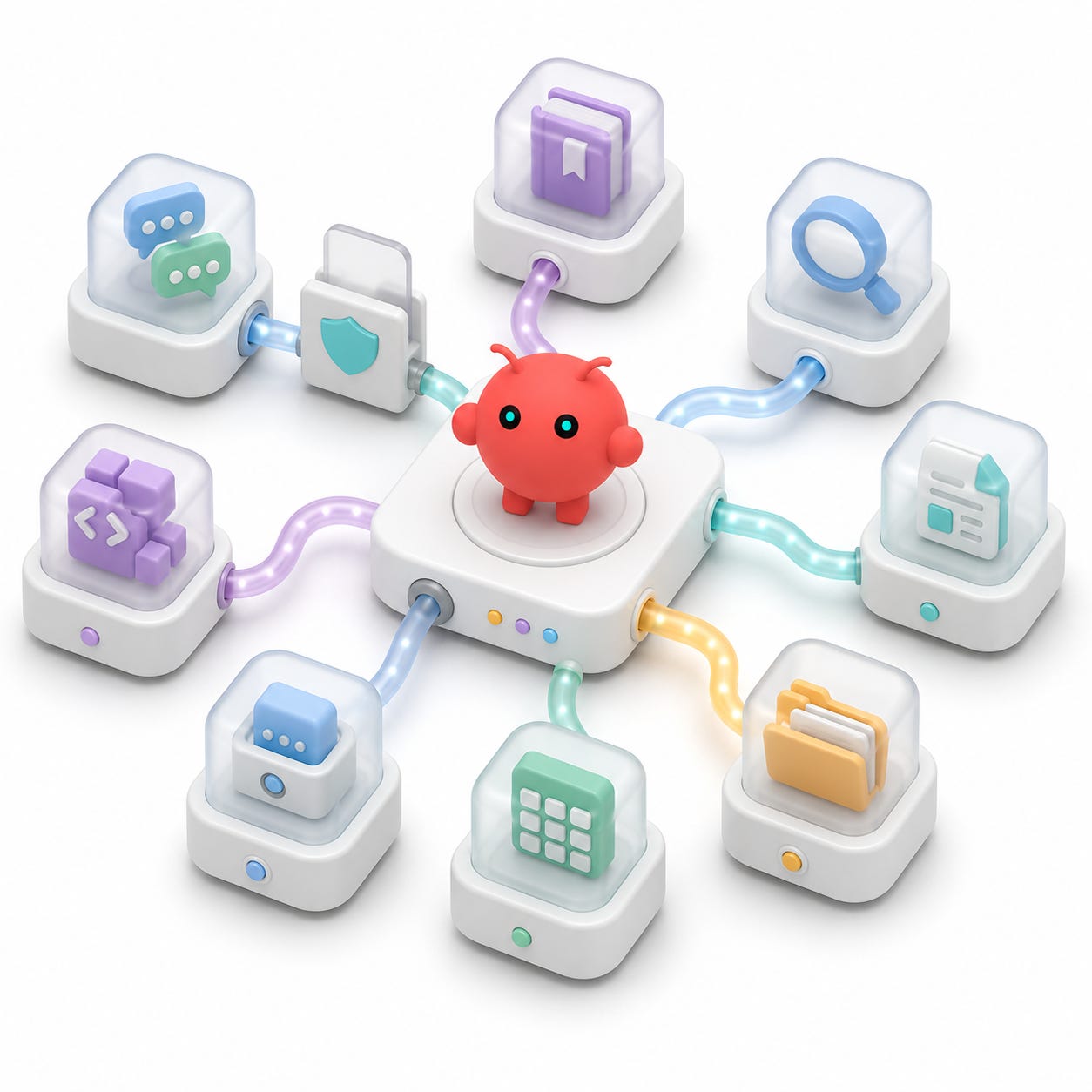
The final layer is MCP.
The channels make OpenClaw reachable. The models make it intelligent. MCP makes it useful.
Without MCP, a Slack or Telegram bot can answer from the model's own context and whatever I paste into the prompt. That is useful, but it is still mostly a chat surface.
With MCP, the same bot can use external tools: Slack search, documentation lookup, web search, Firecrawl scraping, scoped filesystem access, Paper, Morph, and other specialized services.
That is the point where the bot stops feeling like a novelty and starts feeling like a workstation agent.
The important lesson from this part of the setup was not "add every tool." It was the opposite. A chat-reachable agent should get a deliberate toolbelt, not a copy of every MCP server that happens to exist on the machine.
MCP is the toolbelt, not the trigger
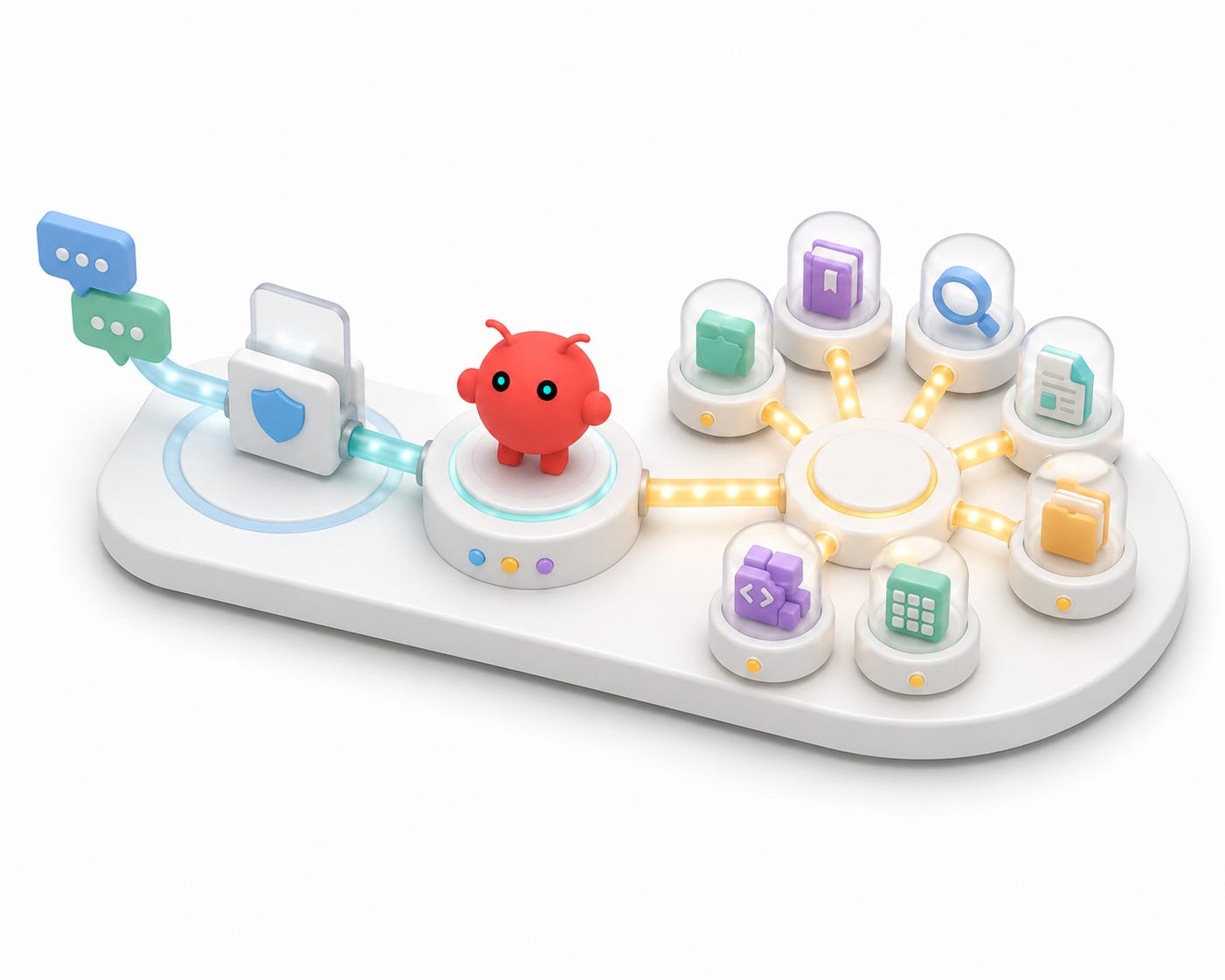
The most useful distinction is this:
# ==================== TEXT CODE ====================
Slack channel integration is how the bot hears you.
Slack MCP is a tool the bot can use after it hears you.
That distinction saves a lot of debugging time.
If I mention the bot in Slack and nothing happens, that is not a Slack MCP problem yet. That is a channel event or reply delivery problem.
If I mention the bot and it replies, but it cannot inspect Slack history, then Slack MCP becomes the thing to debug.
The same pattern applies to the other MCPs. If the bot says it cannot check current documentation, maybe Ref is not exposed. If it cannot search the web, maybe Exa or Websets is not configured. If it cannot read local drafts, maybe filesystem scope is missing or too narrow.
But MCP only matters after the agent turn starts.
This was the mental model that kept the setup understandable:
# ==================== TEXT CODE ====================
Channel adapter -> receives the message
Model route -> decides how the turn is handled
MCP servers -> provide tools during the turn
Those are separate layers. Keeping them separate makes the whole system easier to operate.
Inventory first
Before adding MCPs to OpenClaw, I took an inventory of the tools I already had configured across local agent clients.
The useful places to inspect were:
• Codex config.
• Claude Desktop config.
• OpenCode config.
• Crush config.
• Pi config.
• Cursor MCP settings.
The point was not to blindly import everything.
The point was to identify the servers I already trusted and then choose the subset that belonged in OpenClaw.
For this setup, I picked eight:
• Slack MCP.
• Ref.
• Exa.
• Firecrawl.
• Filesystem.
• Websets.
• Paper.
• Morph.
That list was intentional. A chat-triggered agent should not automatically inherit every tool that is useful in a local coding CLI. The fact that a tool belongs in a terminal workflow does not mean it belongs behind a Slack mention.
This is where personal-agent infrastructure starts to become a security decision. The agent is not only answering prompts anymore. It may be able to read channels, inspect files, query web services, scrape pages, or call local apps.
So the right question is not:
# ==================== TEXT CODE ====================
Can I connect this MCP?
The better question is:
# ==================== TEXT CODE ====================
Should this chat-reachable agent have this tool?
The eight MCPs and why they matter
The final toolbelt had a mix of context tools, research tools, local tools, and editing tools.
Slack MCP
Slack MCP gives the agent a way to read or search Slack context, depending on token scopes and channel access.
This is different from the Slack bot channel integration.
The channel integration lets the bot receive a mention and send a reply. Slack MCP lets the already-running agent use Slack as a source of context.
That is what makes prompts like this possible:
# ==================== TEXT CODE ====================
@YourBot use Slack MCP to summarize the last twenty messages in this channel.
The security implication is important. Only one user being allowed to trigger the bot does not necessarily mean the tool can only read the current channel. The Slack MCP token determines what Slack data the tool can reach.
Trigger policy and tool access are separate controls.
Ref
Ref is documentation lookup.
In an agent workflow, this matters because I want current docs instead of stale model memory. If the agent is answering a library, framework, or API question, it should be able to fetch documentation rather than guess from training data.
In an OpenClaw setup, Ref is useful for prompts like:
# ==================== TEXT CODE ====================
@YourBot check the current docs for this API and summarize the migration path.
That kind of turn should not depend on the model remembering a version of the docs from months ago.
Exa
Exa provides search.
It is useful when the agent needs external web context and the task is more discovery-oriented than page-extraction-oriented.
Search is the beginning of many workflows: finding the right docs page, identifying a company, checking whether a tool has an updated release, or locating references before handing them to a deeper reading tool.
Firecrawl
Firecrawl is for extracting clean content from web pages.
Search finds things. Firecrawl helps read them.
That pairing matters. A model with search results can still miss details buried inside a page. A scraper or extraction MCP gives the agent cleaner source material to reason over.
For OpenClaw, this is the difference between "I found a likely page" and "I read the page and can work from its contents."
Filesystem
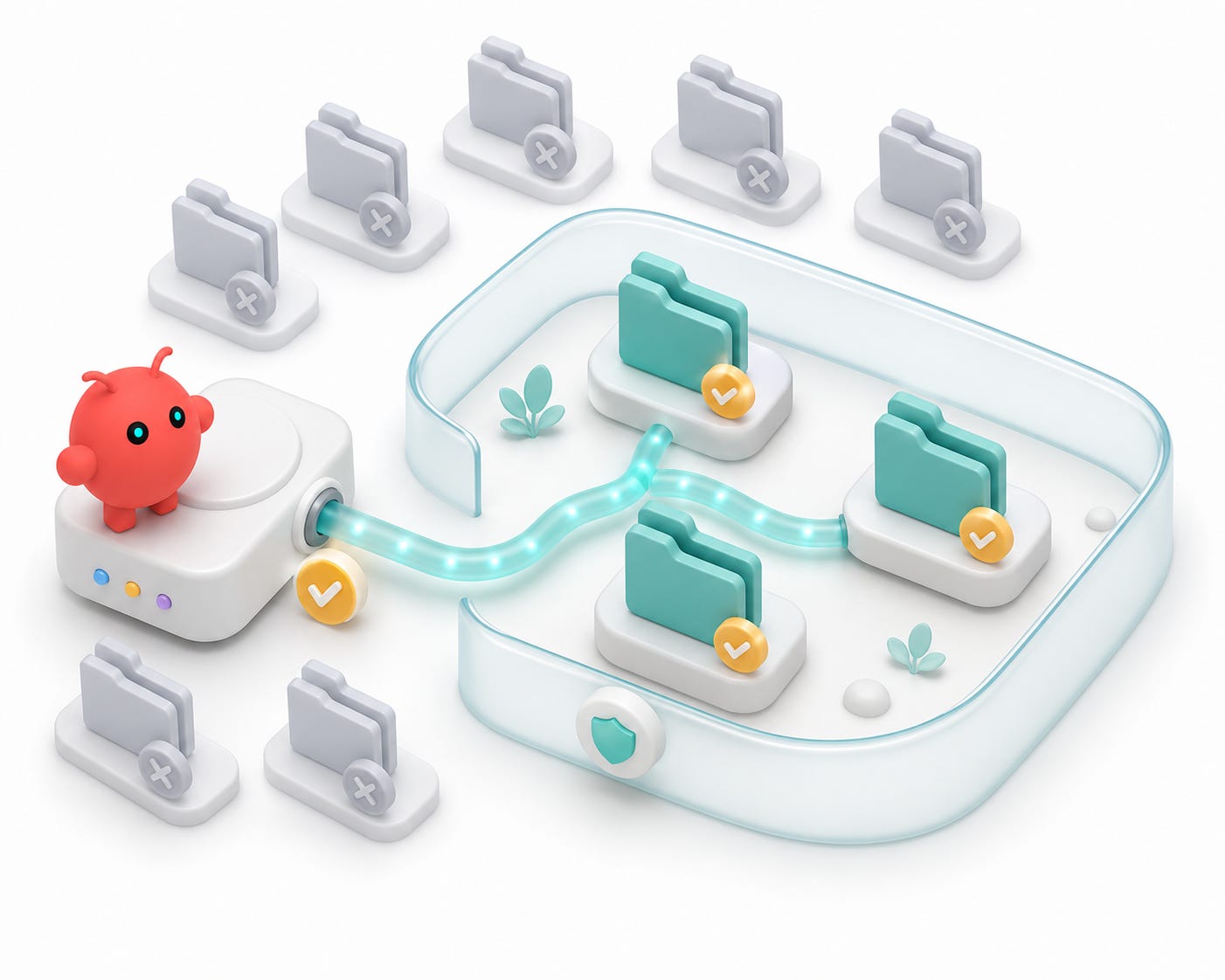
Filesystem MCP gives the agent local file access within scoped roots.
This should be narrow.
In my setup, filesystem access was scoped to normal working folders rather than the whole machine. That is the right instinct. A Slack-triggered bot does not need unrestricted access to every local file.
A public example should look like this:
# ==================== JSON CODE ====================
{
  "command": "npx",
  "args": [
    "-y",
    "@modelcontextprotocol/server-filesystem",
    "/path/to/allowed/workspace",
    "/path/to/allowed/desktop"
  ]
}
The important part is the allowlist of roots.
Filesystem access is powerful because it lets the bot work with real notes, repos, drafts, and project files. It is risky for the same reason.
Websets
Websets is useful for structured web research and dataset-like collection workflows.
It sits beside search and scraping as another way to gather external context. For an agent that may be asked to investigate companies, topics, products, or people, this kind of tool is valuable because it supports more structured discovery than a single search query.
The pattern is:
# ==================== TEXT CODE ====================
Search finds candidates.
Scraping reads pages.
Structured collection turns messy web context into a usable research set.
Those are different jobs.
Paper
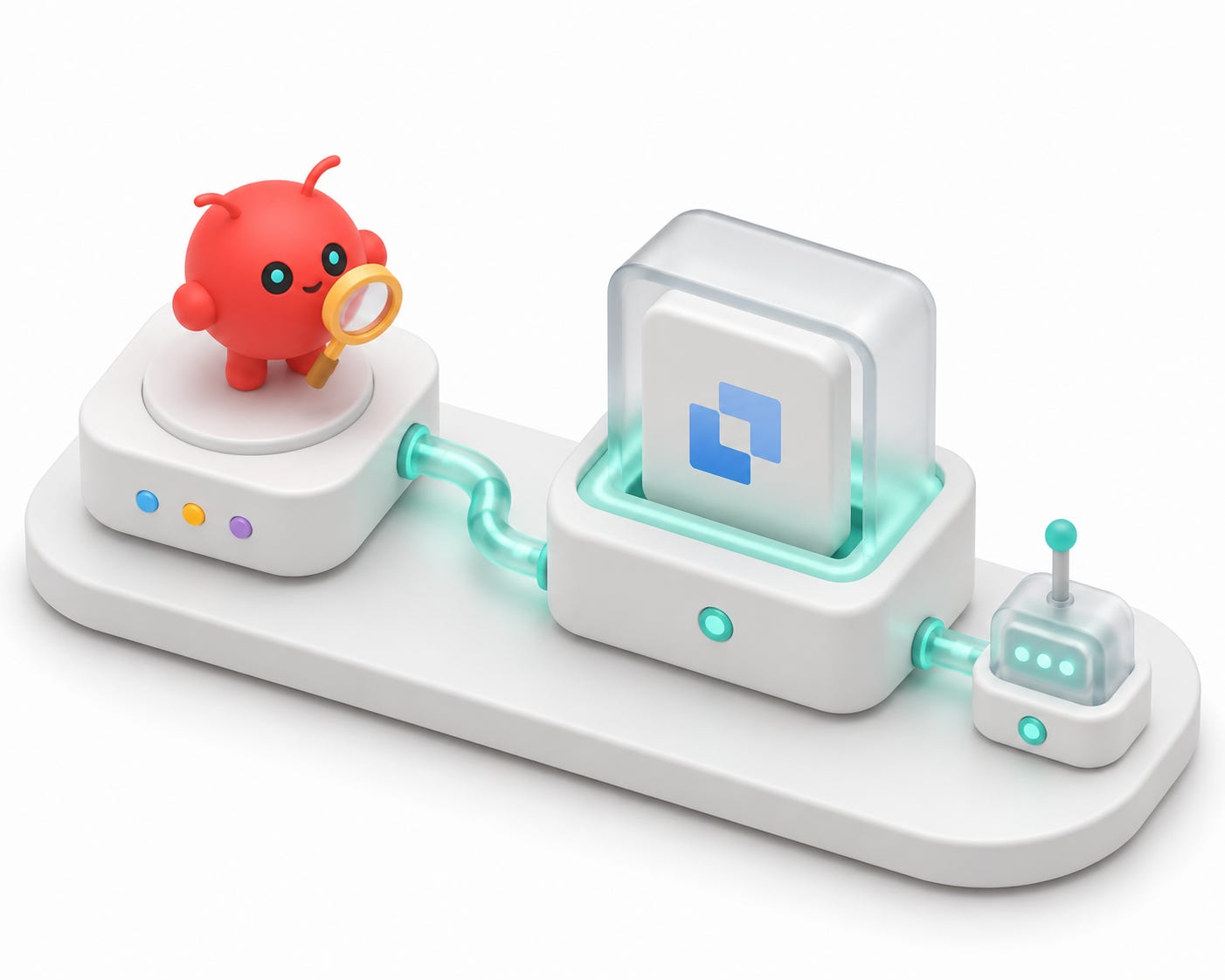
Paper was configured as a local MCP endpoint.
This one had a practical gotcha: the local Paper app or server needed to be running.
In my setup, the MCP entry could be present in OpenClaw config while the local Paper endpoint was not listening. Opening Paper brought the local port up. A browser-style GET to the endpoint returned a not-found response, but the port being open was enough to confirm the local service was alive.
That is a useful lesson: MCP clients often do not behave like normal websites. A browser GET is not always a meaningful health check.
Local MCP endpoints have two states to validate:
• Is the MCP configured in OpenClaw?
• Is the local app or server that backs it actually running?
Both have to be true.
Morph
Morph is useful for code-aware editing and transformation workflows.
It belongs in the toolbelt when the agent may need structured code modification help rather than only plain text generation.
For a chat-reachable agent, this should be used carefully. A bot that can read a Slack thread and call code-editing tools is powerful. That means the surrounding workflow still needs deliberate prompts, scoped access, and local verification.
The theme across all eight MCPs is the same: each tool expands the agent's surface area. That makes the bot more useful, and it also makes the operating model more serious.
Adding the MCPs to OpenClaw
OpenClaw's MCP command shape is straightforward:
# ==================== BASH CODE ====================
openclaw mcp set <name> '<json-definition>'
A remote MCP entry can look like this after redaction:
# ==================== BASH CODE ====================
openclaw mcp set exa '{"url":"https://example-mcp-host/mcp?key=REDACTED"}'
A local command MCP can look like this:
# ==================== BASH CODE ====================
openclaw mcp set firecrawl '{"command":"npx","args":["-y","firecrawl-mcp"],"env":{"FIRECRAWL_API_KEY":"REDACTED"}}'
A filesystem MCP can look like this:
# ==================== BASH CODE ====================
openclaw mcp set filesystem '{"command":"npx","args":["-y","@modelcontextprotocol/server-filesystem","/path/to/allowed/workspace"]}'
The public version should show command shapes, not secrets.
Do not publish actual JSON definitions if they include real keys, account identifiers, private URLs, or local paths that reveal more than you intend. The useful thing to show publicly is the structure.
Validation
After adding the MCPs, I validated the config:
# ==================== BASH CODE ====================
openclaw config validate
Then I listed the configured MCP servers:
# ==================== BASH CODE ====================
openclaw mcp list
The expected list was:
# ==================== TEXT CODE ====================
Ref
exa
filesystem
firecrawl
morph-mcp
paper
slack
websets
Then I restarted the gateway:
# ==================== BASH CODE ====================
openclaw gateway restart
openclaw health
That last step matters.
Config on disk is not the same as tools loaded into the running agent process. If you add MCPs and immediately test an old Slack thread, you can confuse yourself. Restart the gateway, run a health check, then test with a fresh Slack mention.
The sequence is:
# ==================== TEXT CODE ====================
Set MCP config.
Validate config.
Restart gateway.
Check health.
Start a fresh channel turn.
That keeps the test honest.
Testing from Slack
The first test should be simple and observable:
# ==================== TEXT CODE ====================
@YourBot use Slack MCP to summarize the last 20 messages in this channel and tell me the channel name you read from.
That tests several things at once:
• Slack channel event delivery.
• Bot reply delivery.
• MCP tool exposure.
• Slack MCP token scopes.
• Channel access.
If the bot does not reply at all, debug Slack event and reply delivery first.
If it replies but says it cannot access Slack tools, debug MCP exposure or gateway reload.
If it can access Slack but not the channel, debug token scopes and channel membership.
A second test can check broader search:
# ==================== TEXT CODE ====================
@YourBot search Slack for recent mentions of OpenClaw and summarize the relevant channels.
That tests whether the Slack MCP can search beyond the current room, assuming the token allows it.
The exact prompts are not sacred. The important part is that every test isolates a layer:
# ==================== TEXT CODE ====================
Did the channel trigger?
Did the model answer?
Did the MCP appear?
Did the tool have permission to read the thing I asked about?
That debugging order prevents MCPs from becoming a magic bucket for every failure.
Security model after MCPs
Adding MCPs changes the security posture of the bot.
Before MCPs, the bot mainly responds from model context and pasted prompts.
After MCPs, the bot can potentially inspect Slack, read files under allowed roots, query web tools, scrape pages, or call local apps.
That means the trigger policy matters even more.
In my Slack setup, I wanted the bot to work in any room where I added it, but only for my user account and only when mentioned. That does not make the MCPs harmless, but it reduces accidental activation.
The second control is filesystem scope. Do not give a chat-triggered agent the entire home directory unless you have a very specific reason. Start with the directories that are actually useful.
The third control is redaction discipline. Do not ask the bot to summarize config files that contain secrets into public channels. Do not post raw MCP definitions into Slack if they contain keys.
The fourth control is local verification. If a tool can edit code, publish drafts, send messages, or touch important local files, the agent should not be treated like an invisible background service. Make the turn visible. Check the result. Keep the final action deliberate.
This is still personal infrastructure. It should behave like infrastructure.
What this setup enables
Once the channel, model, and MCP layers are all connected, the prompts become much more interesting:
# ==================== TEXT CODE ====================
@YourBot search Slack for the latest discussion of this project, then draft a concise status update.
# ==================== TEXT CODE ====================
@YourBot use Ref to check the current docs for this framework and tell me if our setup is outdated.# ==================== TEXT CODE ====================
@YourBot use Firecrawl to read this article and turn it into an Obsidian-ready outline.# ==================== TEXT CODE ====================
@YourBot use filesystem to find the draft notes for this project and suggest a publication sequence.# ==================== TEXT CODE ====================
@YourBot use Exa and Websets to research alternatives to this tool and give me a comparison table.That is the workstation-agent feeling.
The bot is not just answering. It is operating across the same context surfaces I already use.
Slack becomes the work surface. Telegram becomes the quick direct-message path. The model route decides how much intelligence to spend on the turn. MCP gives the agent the tools it needs to act on the request.
That is a very different object from a simple chatbot.
The final setup picture
The final architecture looks like this:
# ==================== TEXT CODE ====================
Slack or Telegram mention
  -> OpenClaw channel adapter
  -> local OpenClaw gateway
  -> default model route or explicit model route
  -> MCP tools as needed
  -> visible channel reply
In my setup:
• Telegram was the clean direct-message test path.
• Slack became the primary room-based work surface.
• iMessage through BlueBubbles was disabled after loop risk.
• OpenRouter provided the default model route.
• OpenAI/Codex was available as a second provider profile.
• The selected MCP toolbelt included Slack, Ref, Exa, Firecrawl, filesystem, Websets, Paper, and Morph.
That is the useful version of OpenClaw: not a single chatbot, but a local agent gateway wired into channels, models, and tools.
The checklist I keep before sharing this publicly
Any public write-up of this setup needs one more safety pass.
1. Re-run setup commands against current OpenClaw behavior.
2. Remove exact account names, emails, phone numbers, channel IDs, workspace IDs, and private URLs.
3. Replace every token with `REDACTED`.
4. Confirm screenshots do not show real tokens or account identifiers.
5. Explain that Slack trigger policy and Slack MCP access are different.
6. Mention that iMessage bridges should be tested only in sandbox conversations.
7. Keep filesystem examples scoped and conservative.
8. Do not publish raw MCP definitions if they contain secrets.
The publishing angle is not "look at this bot."
The angle is that a personal agent becomes much more useful when it can live in chat, route across models, and call the same MCP tools as the rest of the local agent stack.
The key lesson from part four
MCP is where OpenClaw starts feeling less like a bot and more like a workstation.
But the architecture only stays understandable if the layers stay separate:
• Channels decide how the agent is reached.
• Model routing decides what intelligence handles the turn.
• MCP servers decide what tools the agent can use.
• Permissions decide how far those tools can reach.
That separation is the whole point.
I can change the model route without rebuilding Slack. I can add a tool without changing who is allowed to trigger the bot. I can scope filesystem access without weakening the rest of the channel setup.
That is how a messaging agent becomes practical infrastructure instead of a magic chat window.
In the next part, I will cover the browser layer: why Browserbase belongs in the stack when an agent needs to browse the web without inheriting the full risk of an unconstrained local browser.