 Quincy Labs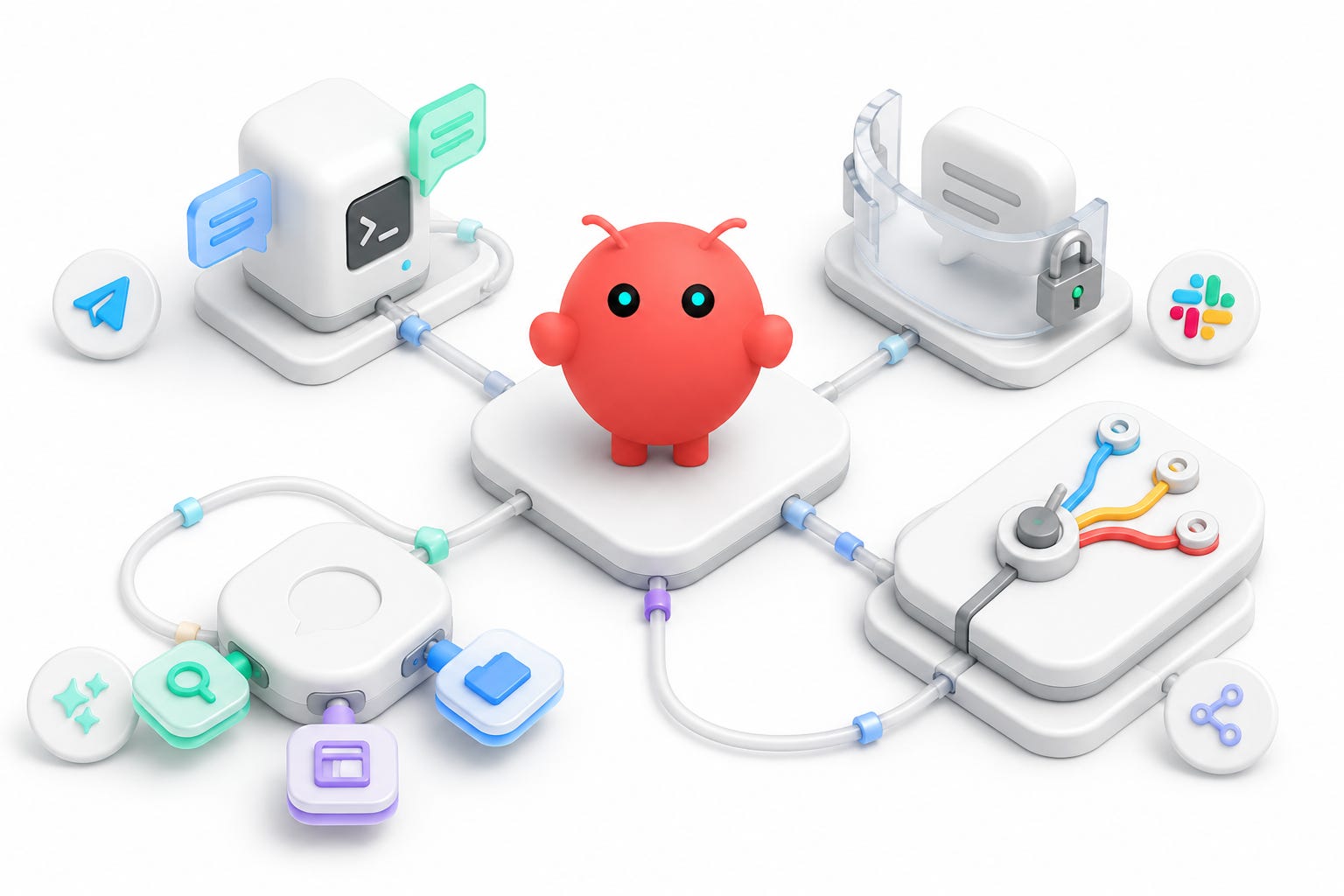
The channel layer is where OpenClaw starts to feel real.
A local agent is useful. A local agent that can reply when you mention it in Slack or Telegram feels different. It starts to move out of the terminal and into the places where work already happens.
That is also where the risk changes.
If a terminal command fails, the blast radius is usually local. You see an error, adjust the command, and try again. If a messaging agent misfires, it can send confusing replies into real conversations. It can wake up another bot. It can make an experimental setup visible to people who were not part of the experiment.
So the channel setup has to be practical and conservative at the same time.
For this part of the OpenClaw setup, I tested three messaging paths:
• Telegram, which was the cleanest way to prove the loop.
• Slack, which was the most useful work surface.
• iMessage through BlueBubbles, which was powerful enough to explore and risky enough to disable.
The main lesson was simple: a bot should be easy for me to reach, hard for other people to trigger by accident, and easy to shut off when a channel behaves unexpectedly.
Telegram: the clean-room test
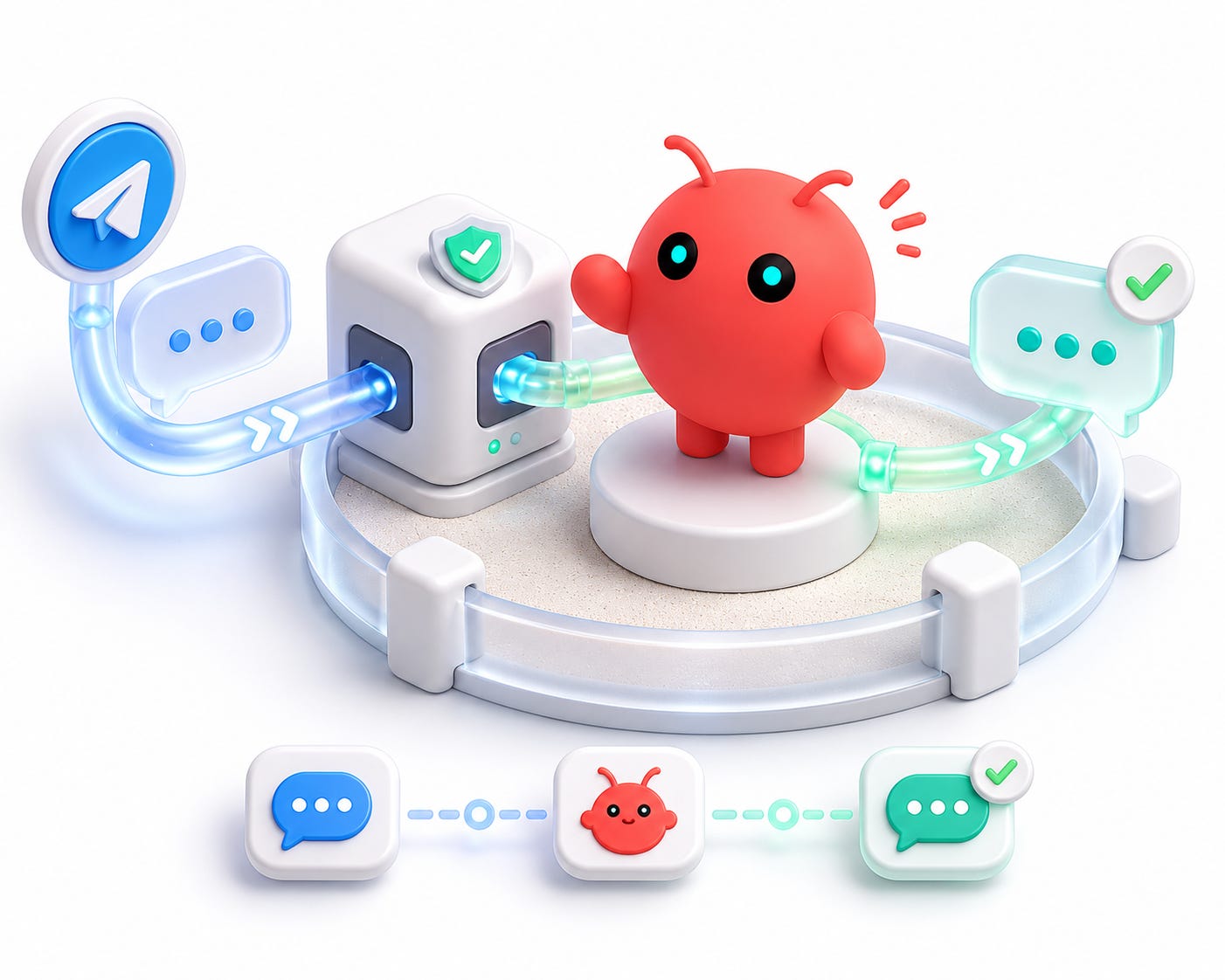
Telegram was the simplest channel to validate because the bot setup is explicit.
The rough flow looks like this:
1. Open BotFather in Telegram.
2. Create a new bot.
3. Choose a display name and username.
4. Copy the HTTP API token.
5. Add that token to OpenClaw's Telegram channel config.
6. Restart or reload OpenClaw.
7. Send the bot a test message.
The BotFather token is effectively the password for the bot. Anyone with it can control the bot, so it should be treated like any other API key. Do not put it in a blog post, screenshot, GitHub issue, public gist, or Obsidian note intended for publication.
In public writing, the token should always look like this:
# ==================== TEXT CODE ====================
TELEGRAM_BOT_TOKEN=REDACTED
Once configured, Telegram is a good first proof because the conversation is isolated. You can message the bot directly without involving a real work channel, support thread, or group chat.
That makes it a low-risk place to confirm the basic loop:
# ==================== TEXT CODE ====================
user message -> OpenClaw gateway -> model turn -> bot reply
If Telegram works, you know the gateway is alive, the model provider can answer, and at least one channel adapter is functioning.
That does not mean the whole messaging layer is done. It means you have a clean baseline.
Slack: more useful, more layers
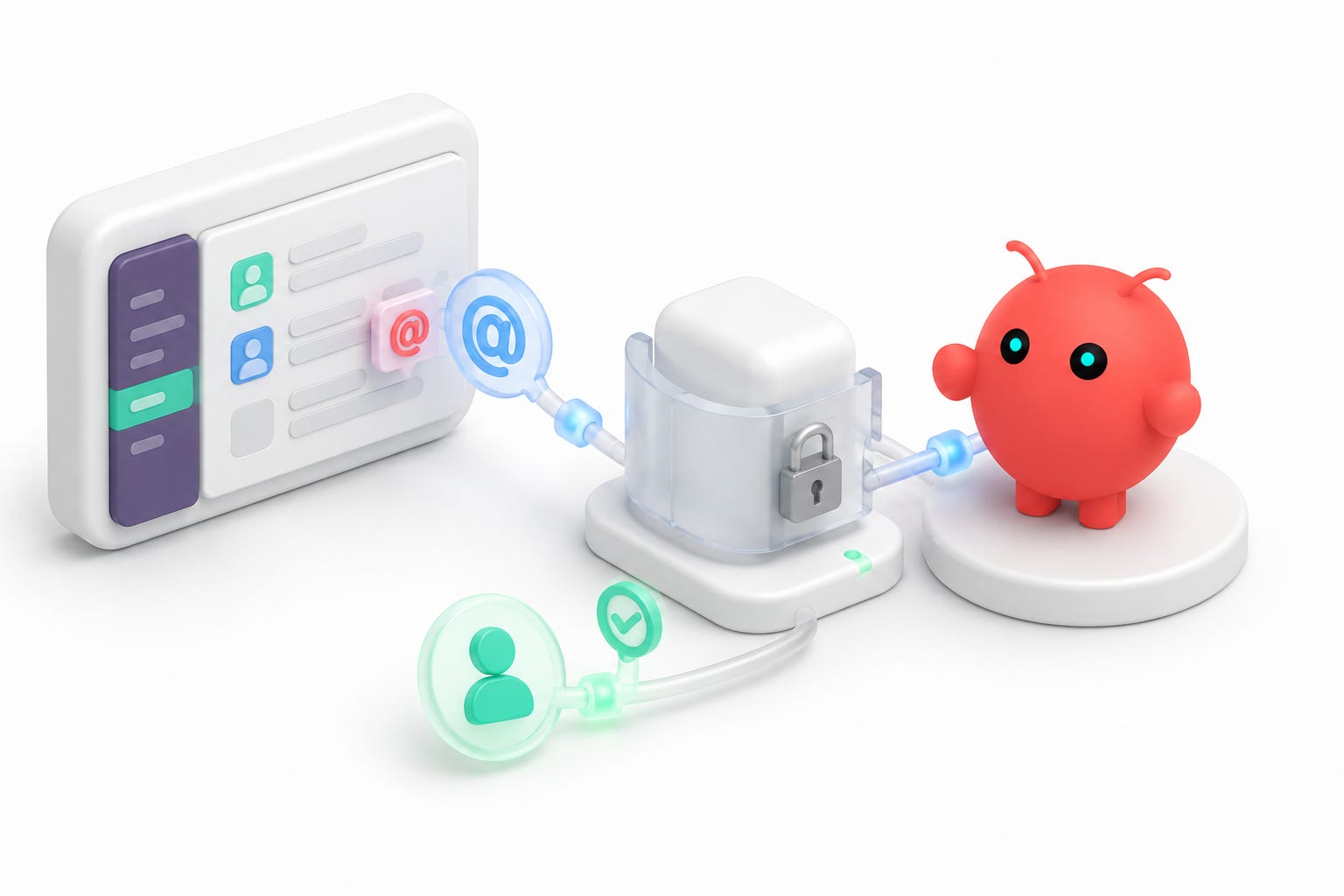
Slack is more interesting because it is not just a direct chat.
The bot can sit in rooms. It can receive mentions. It can reply in context. And, depending on your MCP setup, an agent may also be able to read or search Slack after a conversation has started.
There are two different Slack concepts in this setup:
• The Slack channel integration.
• The Slack MCP server.
The channel integration is how OpenClaw receives a Slack event and posts a reply. This is the part that needs the Slack app setup, event delivery, socket mode, bot identity, channel membership, and posting permissions.
The Slack MCP server is a tool the agent can call after it is already running. This is the part that can let the agent read channels, search messages, or inspect Slack context, depending on the token and scopes.
That difference is easy to miss.
If the bot does not answer at all, Slack MCP is not the first thing to debug. The first question is whether Slack delivered the mention event to OpenClaw and whether OpenClaw was allowed to post a visible reply.
If the bot answers but cannot read Slack history, then the Slack MCP token, scopes, or channel membership become the likely problem.
Triggering the bot and giving the bot read tools are separate concerns.
Socket mode and tokens
For this setup, Slack was configured in socket mode. In Slack terms, that means the app uses an app-level token for the connection and a bot token for bot identity and posting.
In public documentation, those values should look like this:
# ==================== TEXT CODE ====================
SLACK_APP_TOKEN=REDACTED
SLACK_BOT_TOKEN=REDACTED
If you also use a Slack user token for MCP read access, redact that too:
# ==================== TEXT CODE ====================
SLACK_MCP_USER_TOKEN=REDACTED
The distinction matters because these tokens do not mean the same thing.
A bot token represents the installed bot. It is usually the thing that lets the bot post, respond, and participate as an app.
A user token can represent what a user account can read or do, depending on scopes. For an agent with Slack MCP access, that can be much broader than simply replying in the channel where it was mentioned.
That is powerful. It is also why the trigger policy matters.
My Slack policy: open rooms, one trigger user
The Slack behavior I wanted was:
• The bot can work in any room I add it to.
• The bot should require an explicit mention.
• Only my Slack user should be able to trigger it.
That was the right balance for my setup.
I did not want to maintain a fixed allowlist of rooms while testing. If I add the bot to a study room, project room, or temporary debugging room, I want it to work there.
But I also do not want everyone in the workspace to be able to trigger a model-backed agent just because the bot is present.
Room-level openness and user-level restriction solve different problems. The room policy says where the bot is allowed to operate. The user policy says who is allowed to wake it up.
In config terms, the idea is equivalent to this:
# ==================== JSON CODE ====================
{
  "groupPolicy": "open",
  "channels": {
    "*": {
      "enabled": true,
      "requireMention": true,
      "users": ["REDACTED_ALLOWED_USER_ID"]
    }
  }
}
Do not copy that as a complete config. Treat it as the shape of the policy.
The important combination is:
• Wildcard channel behavior.
• Mention-required triggering.
• Explicit allowed user list.
That let me add the bot to a room and test with a normal mention:
# ==================== TEXT CODE ====================
@YourBot summarize the last few messages in this channel.
If the channel integration is working, the bot should reply.
If Slack MCP is also working, the agent should be able to inspect Slack context, subject to the token permissions, scopes, and channel access you gave it.
Those two capabilities can fail independently, so I try to test them separately.
Debugging Slack: event delivery vs reply delivery
The Slack bugs became much easier to reason about once I split them into two categories.
The first category is event delivery.
Did Slack deliver the mention to OpenClaw? If not, the bot never really had a chance. That points to Slack app setup, event subscriptions, socket mode, app installation, or whether the bot is actually in the channel.
The second category is reply delivery.
Did the model produce an answer, but Slack did not show it? That points to posting permissions, reply mode, channel membership, or visibility settings.
The useful debugging question is:
# ==================== TEXT CODE ====================
Did OpenClaw create a model session for the Slack message?
If yes, Slack delivered the event. If no visible reply appeared, focus on reply delivery.
If no session appeared, focus on Slack event delivery.
That distinction kept me from chasing the wrong layer.
It is especially helpful because Slack failure modes can look the same from the outside. From the user's perspective, the bot simply did not answer. Internally, those can be completely different problems.
BlueBubbles: technically possible, operationally risky
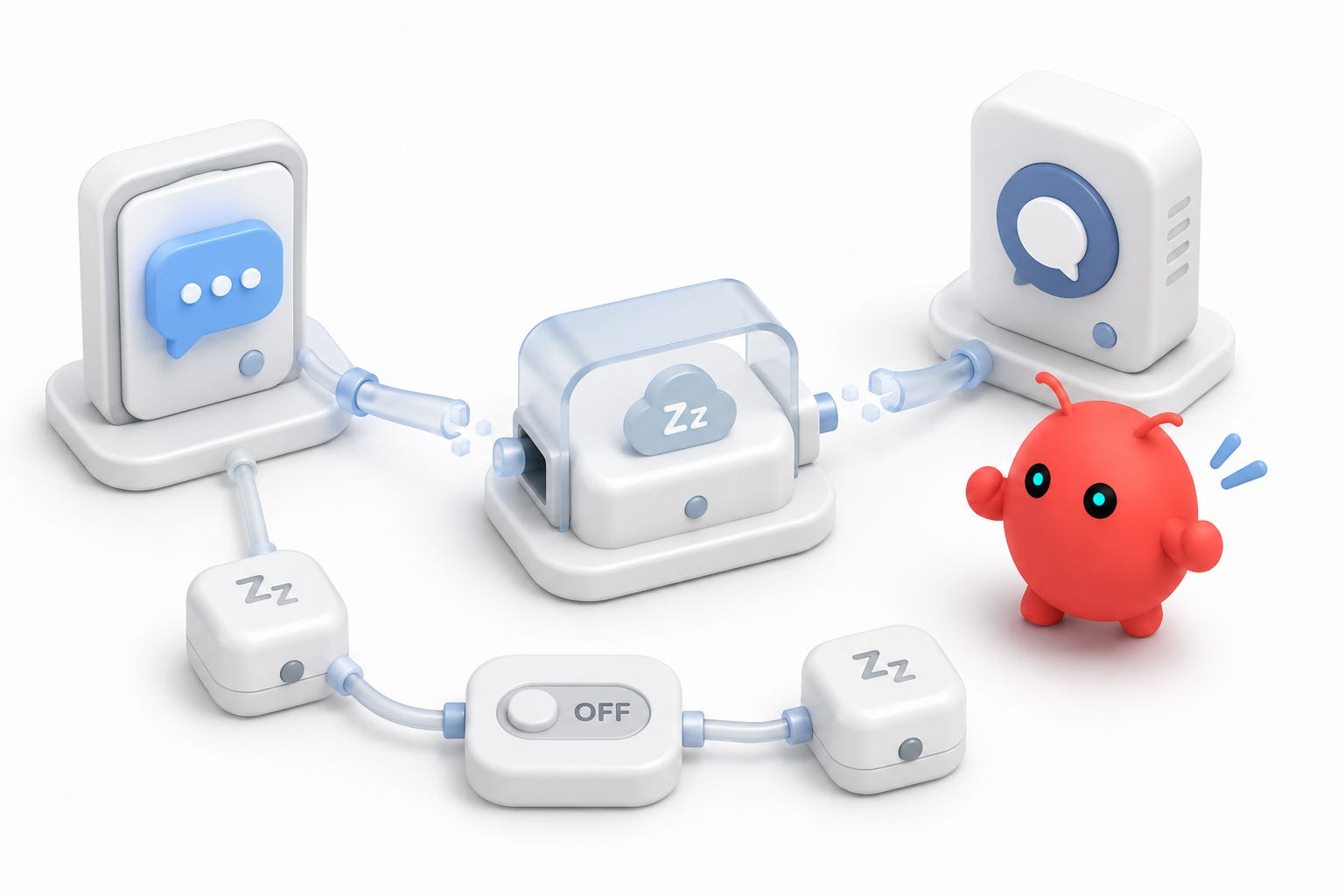
The iMessage path used BlueBubbles. BlueBubbles can expose an API and webhook layer that lets an external system interact with iMessage data.
That is powerful, and it worked far enough to prove the integration path.
But the risk showed up quickly.
I tested a pairing flow through a real-world message thread. The agent-generated pairing message landed in a support-style conversation, and the remote automated assistant started responding as if it were a normal customer-support exchange.
That created the beginning of a bad loop: my automation sent a setup message, the external support bot answered, and now my messaging bridge was involved in a conversation it should not have been touching.
That was enough to stop.
The lesson is not "never use iMessage." The lesson is that you should never test an autonomous messaging integration inside a high-stakes or externally operated thread.
Do not test with a phone carrier, bank, medical office, delivery company, employer system, or anything where unwanted messages can affect a real account.
If you experiment with iMessage, use a sandbox conversation:
• A dedicated test Apple ID.
• A controlled dummy chat.
• A self-chat only if you understand how your bridge handles sender identity.
• No customer-support threads.
• No financial, carrier, health-care, or account-management conversations.
For my setup, I deleted the BlueBubbles webhook and disabled the BlueBubbles channel in OpenClaw.
That was the correct move. Messaging integrations should fail closed.
Practical channel checklist
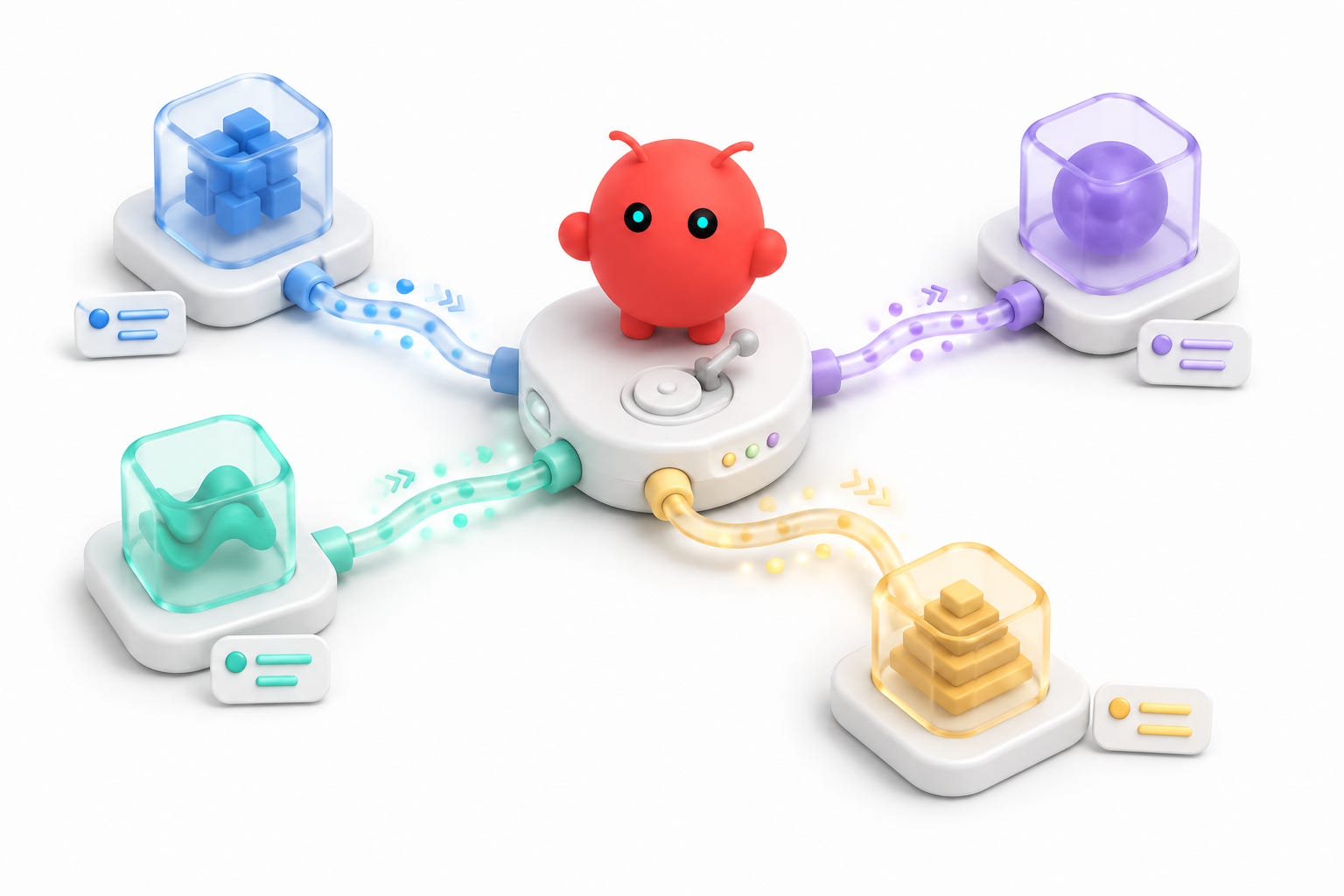
Before letting an agent into real chat rooms, I would use this checklist.
1. Confirm the local gateway is running.
# ==================== BASH CODE ====================
openclaw status
openclaw health
1. Confirm one low-risk channel works first.
Telegram is a good candidate because direct bot chat is isolated.
1. Add Slack with a narrow trigger policy.
Use mention-required behavior. Restrict triggering to your user account while testing.
1. Test in a low-risk Slack room.
Start with a study room or private test channel. Do not begin in a noisy production channel.
1. Separate event failures from reply failures.
No model session means event delivery probably failed. A model session with no visible answer means reply delivery probably failed.
1. Treat read access as different from trigger access.
Only you triggering the bot does not automatically mean the bot can only read the current channel. Slack MCP access depends on the underlying token, scopes, and workspace permissions.
1. Disable risky channels first, debug second.
If a channel starts producing unwanted replies or loops, disable it before investigating. The goal is to stop external side effects immediately.
The key lesson from part two
Messaging channels make the agent feel alive, but they also create real-world side effects.
The best setup is not the most permissive one. The best setup is the one where the bot is easy for you to call, hard for anyone else to trigger, and easy to disable when a channel behaves unexpectedly.
Telegram proved the basic loop.
Slack became the useful work surface.
BlueBubbles proved the iMessage path was technically possible, then also proved why messaging bridges need strict testing boundaries.
In the next part, I will cover the model layer: OpenRouter, Codex OAuth, default routing, and how I think about using Kimi and GPT-class models in the same OpenClaw setup.