 Quincy Labs
Part 10 was about giving OpenClaw a Substack tool so an agent could help move writing into a publishing workflow.
This part is about a different kind of tool problem: what happens when the agent is sitting inside a live Slack room.
That sounds simple until it starts working.
If the agent only responds when I mention it, the behavior is predictable. I say something like:
# ==================== TEXT CODE ====================
@WhiteClaw read this link and tell me what matters
The bot replies.
That is the normal chatbot pattern.
But OpenClaw can do something more interesting. It can listen to a room, treat unmentioned messages as room events, and decide whether a visible reply is useful.
That is the beginning of an ambient agent.
It is also where the setup gets more subtle.
An ambient Slack agent has to answer three questions on every message:
# ==================== TEXT CODE ====================
Should I respond at all?
If I respond, what source should I inspect first?
If I use tools, did I actually use the right ones?
The work from this setup session was about making those three questions explicit.
I call this pattern ambient room triage.
Ambient does not mean always talking
The first mistake is thinking ambient means "the bot replies to everything."
That is not what I want.
I want the agent to feel present in the room without turning the room into a bot transcript. Most messages should not get a visible reply. A link-only post may just be something I am saving for later. A screenshot may be obvious. A rant may not need the agent jumping in every time.
The useful behavior is more like:
# ==================== TEXT CODE ====================
listen
understand the room context
stay quiet most of the time
reply when the reply adds real value
This is the difference between a chatbot and an ambient room agent.
A chatbot waits for a command.
An ambient room agent is allowed to notice.
But "allowed to notice" still needs configuration.

The three switches
In OpenClaw, ambient Slack behavior is not one switch.
There are three different surfaces that matter.
The first is the channel allowlist:
# ==================== TEXT CODE ====================
Is this Slack room enabled for the bot?
The second is mention gating:
# ==================== TEXT CODE ====================
Does this room require @mention before the agent is allowed to process a message?
The third is unmentioned inbound behavior:
# ==================== TEXT CODE ====================
If an allowed room sends a message without a mention, should that be treated as a normal request or a quiet room event?
The shape I wanted was:
# ==================== TEXT CODE ====================
most Slack rooms:
  require a mention

selected Slack rooms:
  allow unmentioned room events
That gives me a sane default.
The bot is not ambient everywhere. It is ambient only in the rooms where I want that behavior.
Conceptually, the config looks like this:
# ==================== JSON CODE ====================
{
  "*": {
    "enabled": true,
    "requireMention": true,
    "users": ["<my-user-id>"]
  },
  "<ambient-room-id>": {
    "enabled": true,
    "requireMention": false,
    "users": ["<my-user-id>"]
  }
}
The important detail is that Slack channel overrides should use channel IDs, not room names.
Room names are for humans.
Channel IDs are what the integration routes on.
So adding another ambient room is not "turn on #general." It is:
# ==================== TEXT CODE ====================
find the Slack channel ID
add an explicit channel override
set requireMention:false
restart or reload the gateway
verify the config
That is the durable version of the setup.
Room events are quieter than user requests
The other important setting is the inbound event kind.
For ambient rooms, unmentioned messages should be treated as room events:
# ==================== JSON CODE ====================
{
  "messages": {
    "groupChat": {
      "unmentionedInbound": "room_event"
    }
  }
}
That matters because a room event is not the same thing as a direct command.
If I tag the bot, I am asking for a response.
If I drop a link in the room, I may only be adding context.
The agent should be able to see the link without assuming it has to speak. That is the whole point of room-event mode.
The practical test is not "does the bot answer every ambient message?"
The practical test is:
# ==================== TEXT CODE ====================
Does the agent receive enough context to make a good decision?
Does it stay silent when the message is not worth interrupting?
Does it reply when the room would actually benefit?
That is the bar.
Link previews are not evidence
The next issue showed up with links.
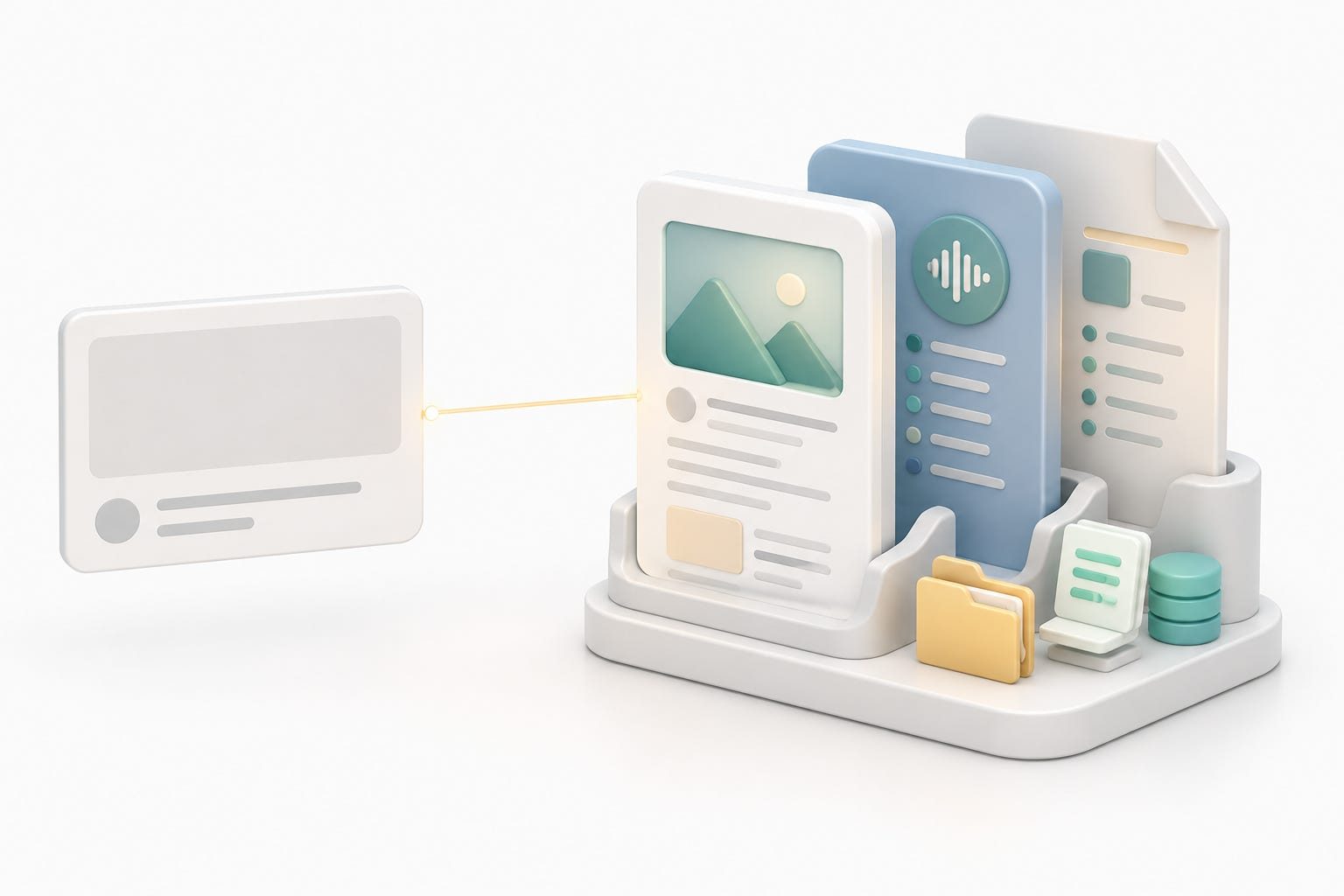
Slack unfurls are useful for humans. They are not enough for an agent.
If I post a YouTube link, Slack may show the title and thumbnail.
If I post an X link, Slack may show the tweet preview and maybe the beginning of the text.
That is not the same as reading the source.
The rule I wanted was:
# ==================== TEXT CODE ====================
Do not answer from the unfurl alone.
Use the proper tool for the source.
Then answer.
That became the core of the Slack link triage skill.
For YouTube, the rule is:
# ==================== BASH CODE ====================
summarize "<url>" --youtube auto --length short
If the room is just a link stream and the YouTube link is not worth interrupting, the agent should stay silent.
But if the agent decides a visible reply is useful, it should summarize the video first. It should not guess from the title.
That distinction is important.
The answer should come from the video transcript or summary, not from a Slack preview card.
X search is not the whole source
X links created the more interesting failure.
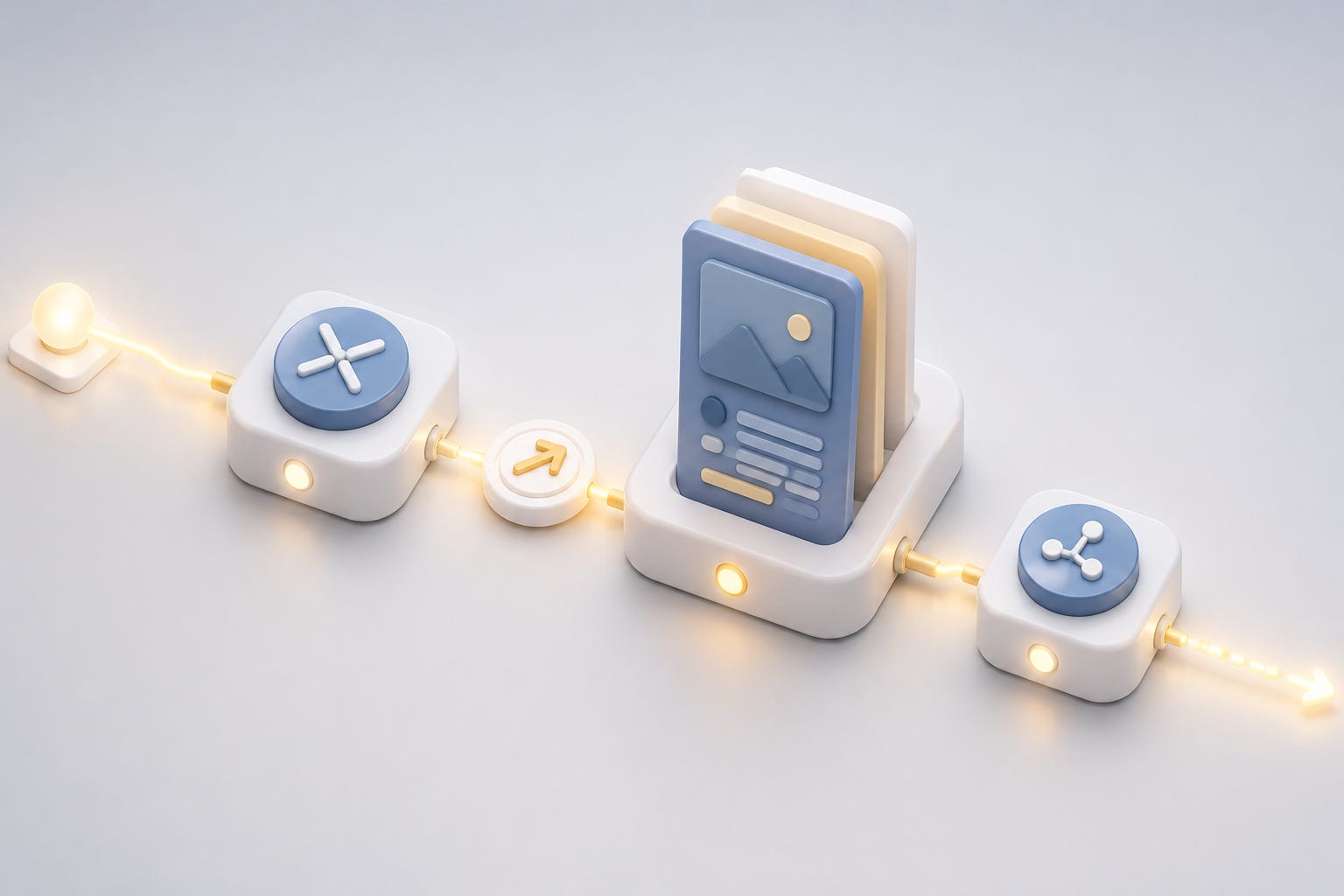
OpenClaw had an X-native search tool available through the xAI/Grok path. That was useful because X is often hard for normal web fetchers. A normal web search or scrape can miss the post, hit a login wall, or only see the public preview.
The right first move for an X status URL is:
# ==================== TEXT CODE ====================
use x_search on the exact post URL or status ID
That part worked.
The problem was the second hop.
The X post linked to a blog post. The agent used `x_search`, saw that the tweet was basically a teaser for a longer article, and then answered:
# ==================== TEXT CODE ====================
the evidence is in the linked blog
That was not good enough.
The agent had found the blog link, but it had not read the blog.
That is a classic agent-tooling bug. The system has the right tool, the model uses it once, the tool result points to the next source, and then the model stops too early.
For source-aware triage, the rule has to be stronger:
# ==================== TEXT CODE ====================
If x_search reveals an outbound source link, follow it.
The updated behavior is:
# ==================== TEXT CODE ====================
1. Use x_search on the exact X post.
2. If the post or thread links to a blog, paper, GitHub repo, docs page, video, or article, fetch that source.
3. Use web_fetch first.
4. If web_fetch is thin, blocked, or incomplete, use Firecrawl as a fallback.
5. Only then judge evidence, credibility, or usefulness.
The most important sentence in the instruction is:
# ==================== TEXT CODE ====================
Do not say "the evidence is in the linked blog" unless you tried to read it and could not.
That is the difference between a shallow link reaction and actual source-aware triage.
Skills are not always enough
The first version of the fix lived in a skill file.
That was directionally right. A reusable skill is the correct place for this kind of behavior:
# ==================== TEXT CODE ====================
Slack link appears
  -> decide whether to reply
  -> pick the source-specific tool
  -> read the source
  -> answer concisely
But the actual Slack run exposed a prompt-loading detail.
The skill was visible to the agent as a compact skill entry, but the full body of the skill was not necessarily injected into every Slack turn. In the real failure case, the agent saw enough to know `x_search` existed, but it did not reliably follow the detailed second-hop rule from the skill.
The fix was to move the critical rule into the always-loaded workspace instructions.
That made the rule impossible to miss:
# ==================== TEXT CODE ====================
For X/Twitter status URLs, use x_search first.
If x_search reveals an outbound source link, fetch it before judging the post.
If web_fetch is incomplete, try Firecrawl.
Answer from both the post and the linked source.
The skill still matters.
But the highest-priority behavioral rule belongs somewhere the agent sees on every relevant turn.
That is a practical lesson for OpenClaw setups:
# ==================== TEXT CODE ====================
Put reusable workflows in skills.
Put must-not-miss safety or quality rules in always-loaded instructions.
The trace is the truth

The visible Slack answer made the problem obvious, but the trace proved it.
The bad answer said the linked blog supposedly contained the evidence.
That sounded like the agent had not read it.
Instead of guessing, I checked the OpenClaw session trace.
The trace showed one tool call:
# ==================== TEXT CODE ====================
x_search
It did not show:
# ==================== TEXT CODE ====================
web_fetch
firecrawl_scrape
That settled it.
The agent had not read the linked article.
This is one of the best things about running a local agent gateway. You do not have to infer everything from the chat bubble. You can inspect the session.
The useful debugging commands are conceptually:
# ==================== BASH CODE ====================
openclaw sessions list --json
openclaw sessions tail --session-key "<session-key>" --tail 80
openclaw sessions export-trajectory --session-key "<session-key>" --workspace "<workspace>" --json
The session tail shows the timeline.
The trajectory export shows the tool calls, tool results, prompts, and final answer.
That is how I confirmed the failure mode:
# ==================== TEXT CODE ====================
not a Slack delivery problem
not an X auth problem
not a Firecrawl problem
not a model refusal

the model stopped after x_search
Once you know that, the fix is straightforward.
A good diagnostic uses the same wording
After changing the instruction, I did not test with an idealized prompt.
I tested with the same style of request that caused the miss:
# ==================== TEXT CODE ====================
use x_search on this X post and tell me:
1. what the claim is
2. whether the thread gives evidence
3. what I should pay attention to
That wording matters because the original user instruction said `x_search`.
A weaker agent might treat that as permission to only use `x_search`.
The better behavior is:
# ==================== TEXT CODE ====================
Use x_search as the first tool.
Then follow the source links that x_search discovers.
The successful diagnostic showed the right tool chain:
# ==================== TEXT CODE ====================
x_search
web_fetch
firecrawl_scrape
And the answer changed.
Instead of saying "the evidence is in the linked blog," it summarized what the linked blog actually supported.
That is the point of the fix.
Not "use more tools."
Use the next source.
Images and screenshots are part of the room too
The other practical detail is that Slack rooms are not just text.
I post screenshots, charts, tweet screenshots, memes, images, and videos. For an ambient room agent to feel natural, it has to treat those as first-class room context.
OpenClaw was already passing media into the agent turn when Slack delivered it. The session metadata showed image events and media attachments, and the model calls had image understanding enabled.
That means the agent can often inspect screenshots directly.
The best practice is still simple:
# ==================== TEXT CODE ====================
If I want a specific answer, tag the bot in the same message as the image.
Posting an image first and tagging the bot in the next message can work if the prior image is still in the assembled context, but it is less reliable.
For screenshots with tiny text, I should expect normal OCR limits. If the exact words matter, paste the link or the key text too.
The important mental model is:
# ==================== TEXT CODE ====================
Slack message text
Slack file attachments
Slack unfurls
recent room context
tool results
These are all separate sources.
A good agent learns which one is authoritative for the task.
OpenClaw's built-in web tools stay primary
Another clarification from this setup was tool priority.
I do not want every web task to go straight to an external search provider just because one is installed.
OpenClaw already has its own web search and fetch surface. Firecrawl and Exa are useful, but they should be extra tools, not the default answer to everything.
The order I want is:
# ==================== TEXT CODE ====================
normal web page:
  web_fetch first
  Firecrawl if the page is thin, blocked, or JavaScript-heavy
  search only when the URL is not enough

X/Twitter post:
  x_search first
  then fetch outbound links

YouTube:
  summarize CLI first

broader research:
  web_search, Firecrawl search, Exa, or browser depending on the job
This makes the system easier to reason about.
The agent is not "searching the web" in a generic way.
It is routing the source to the best reader.
The final room setup

After the link triage fix, I expanded the ambient room set.
The default remains conservative:
# ==================== TEXT CODE ====================
all other Slack rooms:
  require mention
Then I added a small number of rooms where unmentioned room events are useful:
# ==================== TEXT CODE ====================
selected rooms:
  requireMention:false
  unmentioned inbound handled as room_event
This is the setup I want because it matches how I actually use Slack.
Some rooms are working surfaces. I want the agent to feel present there.
Other rooms are just places where the bot should answer when called.
The distinction matters more than the exact number of rooms.
An ambient agent should be configured room by room, not globally unleashed.
The operating loop
The finished loop looks like this:
# ==================== TEXT CODE ====================
Slack room chatter comes in.

If the room is not ambient:
  wait for mention.

If the room is ambient:
  treat unmentioned chatter as room context.

If the message contains a YouTube link:
  summarize the video before replying.

If the message contains an X link:
  use x_search first.
  then fetch the outbound source if there is one.

If the message contains an image:
  inspect the image when it is relevant.

If the message is not worth interrupting:
  stay silent.
That is the behavior I was trying to get.
The key is not one tool or one config flag. It is the combination:
# ==================== TEXT CODE ====================
room-level ambient permissions
quiet room-event handling
source-specific link readers
visible reply restraint
session trace debugging
always-loaded quality rules
That combination is what makes the agent feel natural.
The lesson
The lesson from this setup is that ambient agents need triage.
Without triage, they either do too little or too much.
Too little:
# ==================== TEXT CODE ====================
The agent sees a link preview and gives a shallow answer.
Too much:
# ==================== TEXT CODE ====================
The agent replies to every room message and becomes noise.
The better pattern is:
# ==================== TEXT CODE ====================
listen broadly
answer selectively
read primary sources
verify tool usage
keep defaults conservative
make ambient behavior explicit room by room
That is why I think "ambient room triage" is the right name for this layer of the setup.
It is not just Slack configuration.
It is the part of the agent system that decides when a room message deserves work, what source should be trusted, and whether the answer should become visible.
That is the difference between a bot that sits in a room and an agent that can actually participate in one.