 Quincy Labs
Setting Up OpenClaw, Part 1: Turning a CLI Agent Into a Messaging Agent
Most of us first meet coding agents as terminal tools.
You open a repo. You run a command. You hand the model some context and ask it to fix something. That is useful, but it is still a foreground workflow. You have to be sitting inside the tool. You have to decide when to summon it. You have to manually bridge whatever context lives in Slack, Telegram, Obsidian, docs, search, or local files.
OpenClaw changes the shape of that workflow.
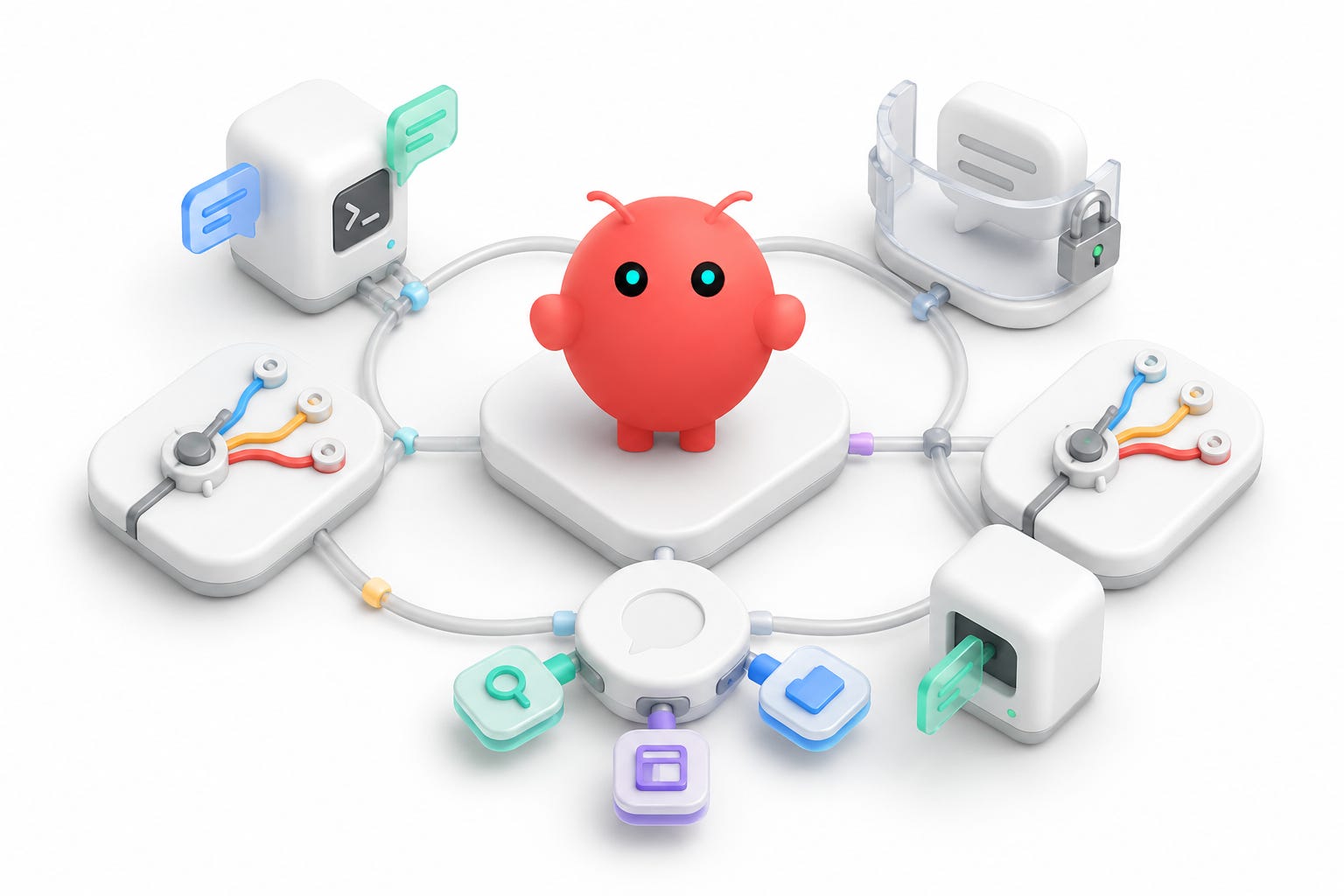
Instead of treating the agent as a terminal-only assistant, you can run it as a local gateway with chat channels, model routing, and MCP tools attached to it. The practical result is simple: I can mention a bot in a chat room and have that agent use the same kinds of tools I normally use from local agent CLIs.
That sounds like a small move. It is not.
Once an agent can sit inside messaging surfaces, it stops feeling like a command and starts feeling like infrastructure.
The Goal
The goal of my setup was to build a personal agent router with four properties.
First, it had to be reachable from the chat tools I already use. I wanted Telegram working because it is simple. I wanted Slack working because a lot of real work happens there. I also wanted to explore an iMessage path, because iMessage is where a surprising amount of personal coordination happens.
Second, it had to be model-flexible. I did not want one model hard-coded everywhere. I wanted OpenRouter available for models like Kimi, and I wanted my OpenAI/Codex login available for GPT-class work. The point was not to pick a permanent winner. The point was to make the agent route to the right capability when the work called for it.
Third, it had to be tool-rich. A messaging bot without tools is basically a chatbot. A messaging bot with MCP access can search docs, read Slack, query web search tools, inspect local files, use Paper, call Firecrawl, and operate much closer to a real workstation agent.
Fourth, it had to be constrained. A bot that can read and send messages needs guardrails before convenience. I wanted Slack to work in the rooms where I added the bot, but I only wanted my own Slack account to be able to trigger it. I also wanted any risky messaging path to be easy to disable if it started behaving badly.
That was the shape of the system I wanted: reachable, flexible, tool-rich, and constrained.
The Baseline Architecture
My working model for OpenClaw looks like this:
# ==================== TEXT CODE ====================
Chat channel -> OpenClaw gateway -> agent session -> model provider -> MCP tools -> channel reply
There are a few important layers inside that line.
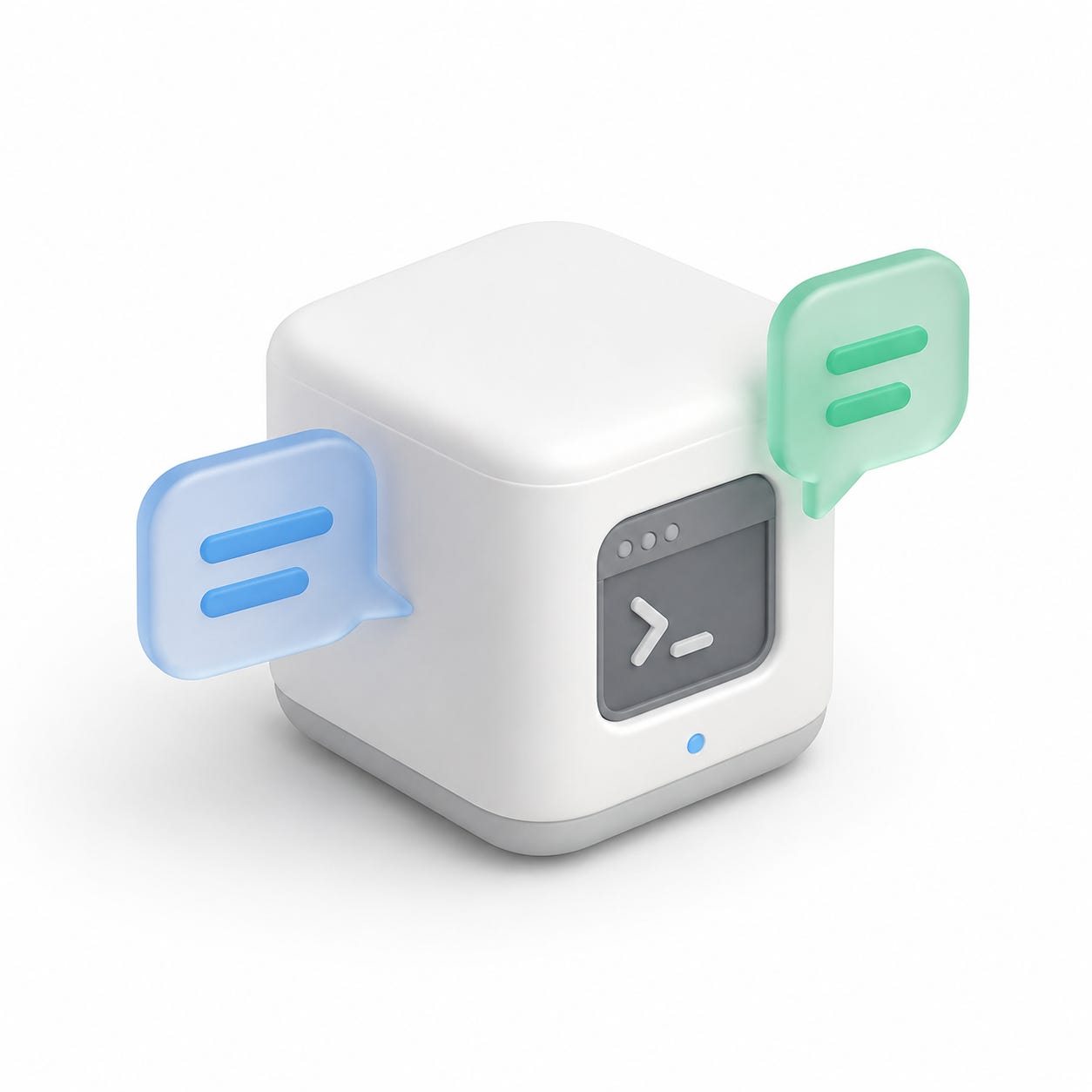
The gateway is the local service. It runs on the machine and exposes the control surface that channel integrations talk to. On my setup this was a local loopback service, not a public server. That matters because the gateway is where channel traffic, model routing, tool configuration, memory, and local state meet.
The channel adapters are how OpenClaw receives messages from Slack, Telegram, or another surface. The Slack channel adapter is not the same thing as Slack MCP. The channel adapter receives the mention and sends the reply. Slack MCP is an agent tool that can read or search Slack once the agent is already running.
The model providers are separate auth profiles. In my setup I had OpenRouter configured, then added an OpenAI/Codex auth profile. Those coexist. Logging into OpenAI did not erase the OpenRouter setup. It simply made another provider available.
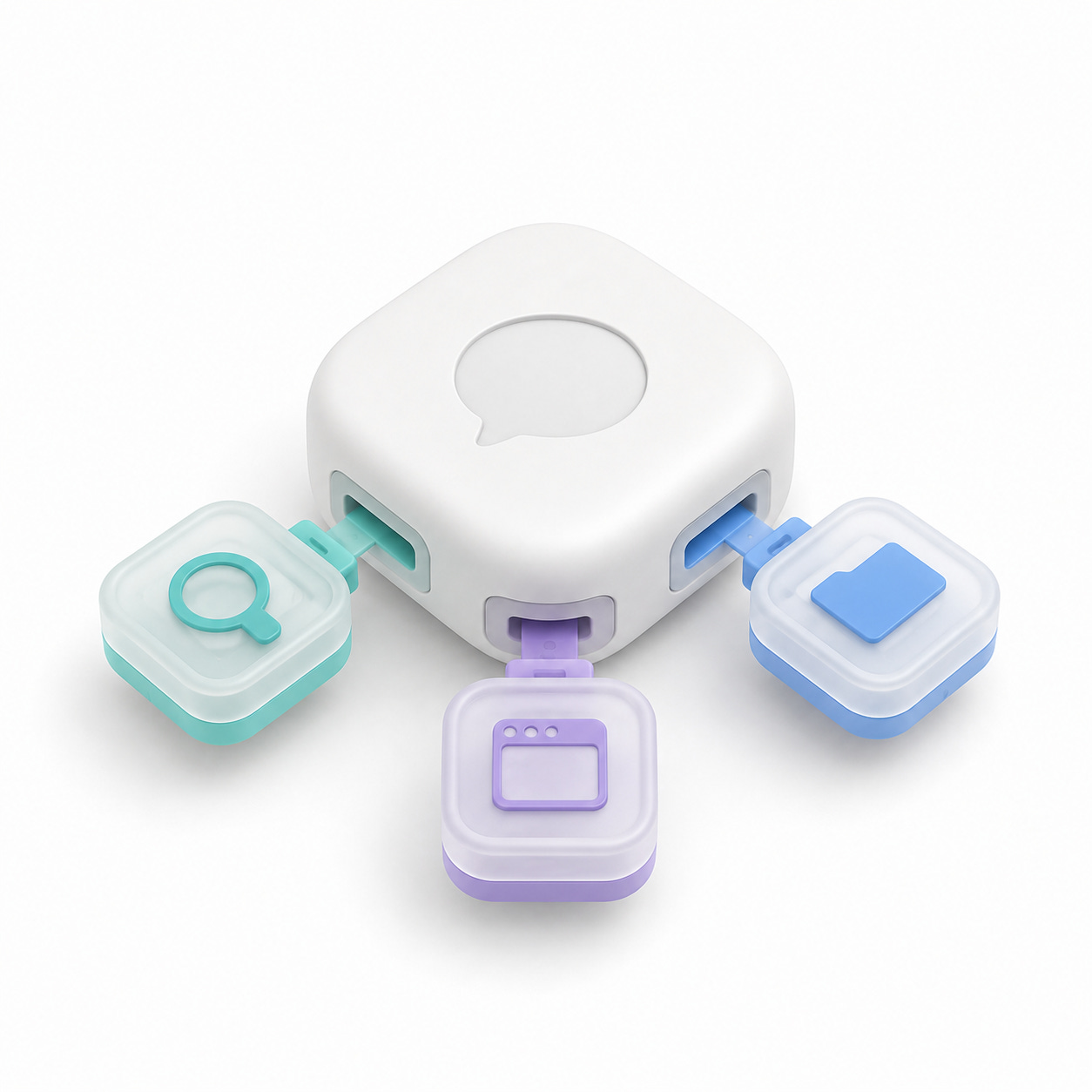
The MCP servers are the tool layer. They are configured separately from channels and separately from model defaults. Adding MCP servers to OpenClaw means the agent can call those tools during a turn. It does not change who is allowed to trigger the bot in Slack.
Trigger policy and tool capability are different concerns.
That distinction is the setup.
Installing OpenClaw
The basic installation path is a shell installer:
# ==================== BASH CODE ====================
curl -fsSL https://openclaw.ai/install.sh | bash
After install, the first thing to check is not whether the bot replies in a chat room. The first thing to check is whether the local service is alive:
# ==================== BASH CODE ====================
openclaw status
openclaw health
The status view gives you the local dashboard URL, gateway status, enabled channels, active model sessions, and basic health. The health command is the quick sanity check that the gateway event loop is alive and the configured channels are recognized.
Once the gateway is up, the dashboard becomes useful for inspecting the system as a whole. The command line is still faster for changing things, but the dashboard gives you the topology: channels, agents, sessions, models, and runtime state.
Command names can move, so treat these as command shapes and check the current OpenClaw docs before copy-pasting them into your own setup.
The First Model Layer
I started with OpenRouter because it gives a clean way to route through many models under one provider. Then I added an OpenAI/Codex auth profile:
# ==================== BASH CODE ====================
openclaw models auth login --provider openai-codex
That OAuth login created a separate OpenAI-backed profile. The important part is that it did not automatically replace my OpenRouter default. It made GPT-class Codex-capable models available, and OpenClaw reported that a default model was available if I wanted to apply it.
That behavior is exactly what I wanted.
Authentication should not imply routing. Auth means "this provider is available." Defaults mean "this is what gets used when a channel turn does not say otherwise."
At this stage my system had two model paths:
• OpenRouter as the general model-routing path.
• OpenAI/Codex available for GPT-class coding and agent work.
That made it possible to use one agent surface while still choosing different model economics and strengths underneath.
Security Before Channels
Before connecting more channels, I treated the config as sensitive.
Agent gateway setup is exactly where people accidentally leak secrets. You are moving quickly between docs, terminal output, dashboards, config files, chat apps, and screenshots. It is easy to paste the wrong thing into a public note.
The public version of this setup should never include:
• Slack bot tokens.
• Slack app-level tokens.
• Telegram bot tokens.
• OpenRouter or provider API keys.
• OpenAI auth artifacts.
• BlueBubbles passwords or webhook URLs.
• Pairing codes.
• Phone numbers, emails, Slack user IDs, or chat IDs.
• Private local tunnel URLs.
My rule for writing about this setup is simple: show command shapes, not actual credentials.
For example:
# ==================== BASH CODE ====================
export OPENROUTER_API_KEY="REDACTED"
export SLACK_BOT_TOKEN="REDACTED"
export SLACK_APP_TOKEN="REDACTED"
The article can explain where values come from. The values themselves do not belong in the article.
That becomes even more important once the agent can participate in messaging surfaces. A terminal mistake is usually local. A messaging mistake can become visible fast.
Why The Gateway Restart Matters
After changing config, I treat the gateway like any other long-running service: restart it before testing the new behavior.
# ==================== BASH CODE ====================
openclaw gateway restart
openclaw health
A restart is especially important after adding or changing MCP servers. The config can be valid on disk while the running process is still using the old tool list. If the bot replies but says it cannot see a tool, that may simply be a stale gateway process.
The clean rhythm is:
1. Change config.
2. Validate config.
3. Restart the gateway.
4. Check health.
5. Send a fresh chat mention.
Fresh matters. Old in-flight Slack or Telegram turns may not pick up the new tool list. A new message after restart is the clean test.
This is also where the layer model helps. If the bot does not answer in Slack, that may be a channel event or reply-delivery problem. If the bot answers but cannot read Slack history, that is probably a Slack MCP or token-scope problem. If the bot answers with the wrong model, that is a routing/default problem. If the bot can use a tool from the terminal but not from Slack, that is probably gateway reload or MCP exposure.
Those are different failures. Treating them as one vague "the bot is broken" problem makes the setup much harder to debug.
The Key Lesson From Part One
The most useful way to think about OpenClaw is not "I installed another chatbot."
The useful framing is:
# ==================== TEXT CODE ====================
I installed a local agent gateway that can receive work from chat channels, choose from multiple model providers, and call MCP tools.
That framing makes the rest of the setup easier to reason about.
The terminal agent is still there. The difference is that the terminal is no longer the only surface. Chat becomes an input layer. Models become routes. MCP servers become tools. The local gateway becomes the place where all of that meets.
That is the mental model shift.
In the next part, I will go through the messaging layer: Telegram, Slack, and why I backed away from iMessage after a real-world loop risk.