 Quincy Labs
Exporting Your Apple Stocks Watchlist
In one coding session. Using AI agents, MCP tools, and Swift 6.2’s latest features I built this tool.
How I Reverse-Engineered a Hidden macOS Feature Using MCP, Parallel Agents & Swift 6.2
The Problem
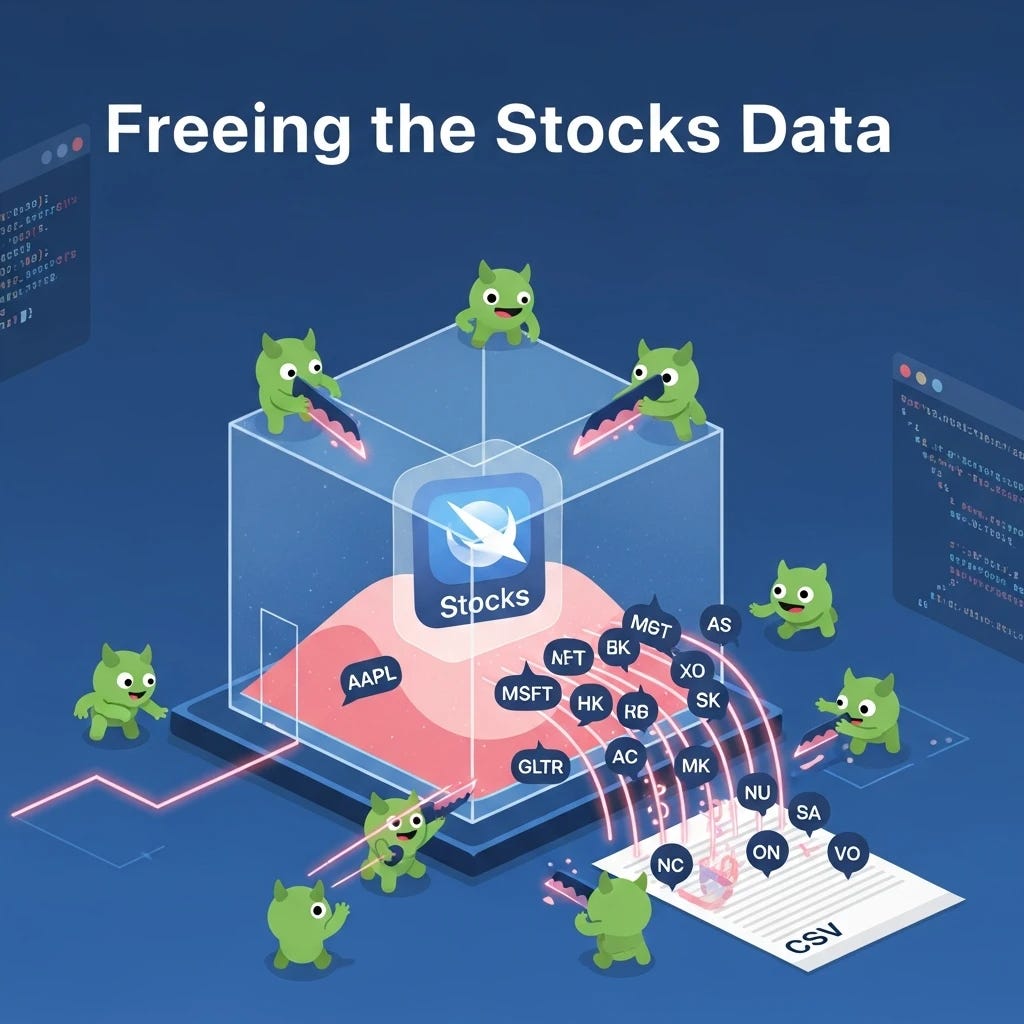
I wanted a simple CSV of my Apple Stocks watchlist — symbol, name, price, change percentage.
Should be easy, right?
Wrong.
Apple sandboxes everything. The data lives in a private CloudKit container.
There’s no public API. Forums are full of people asking the same question with no answers.
The only options:
Poke the filesystem — maybe there’s a plist or SQLite DB somewhere
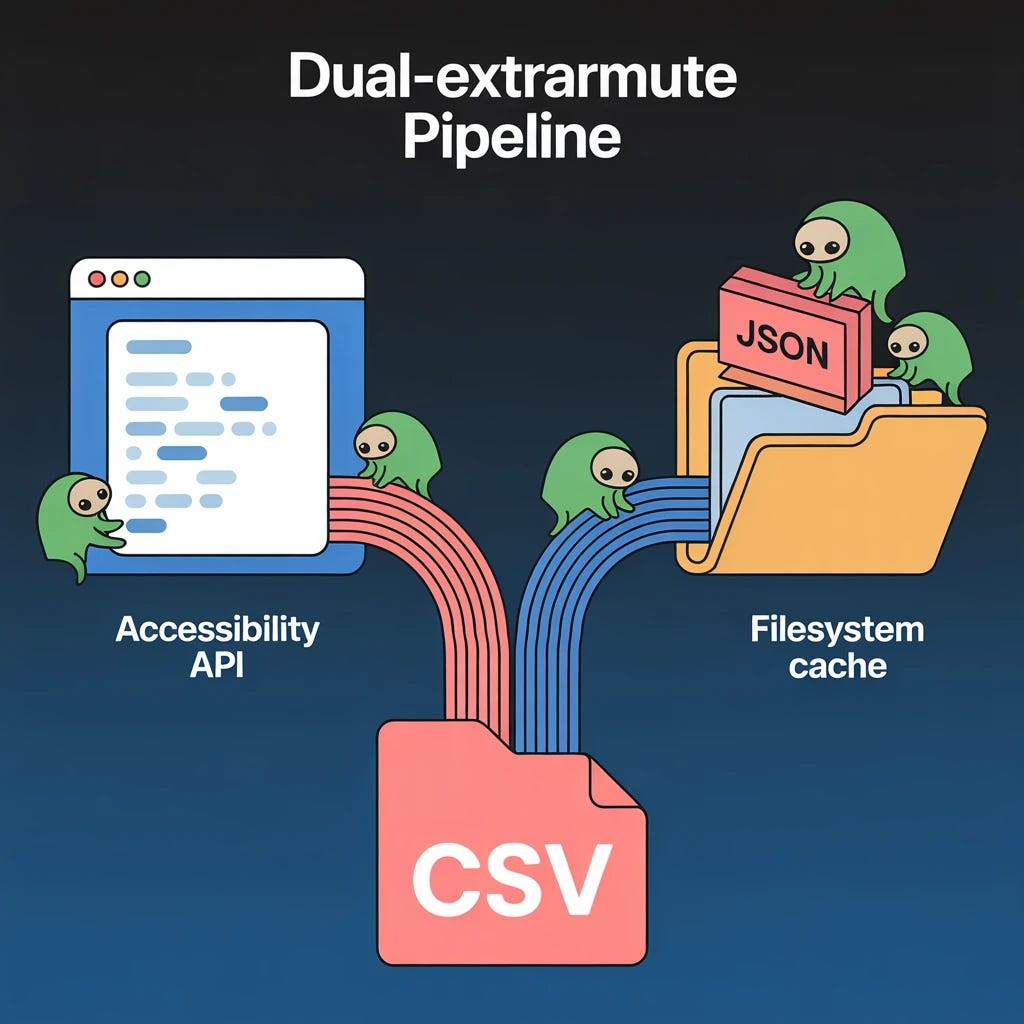
Screen-scrape the UI using the Accessibility API
So I built both, with automatic fallback
MCP-Powered Research Workflow
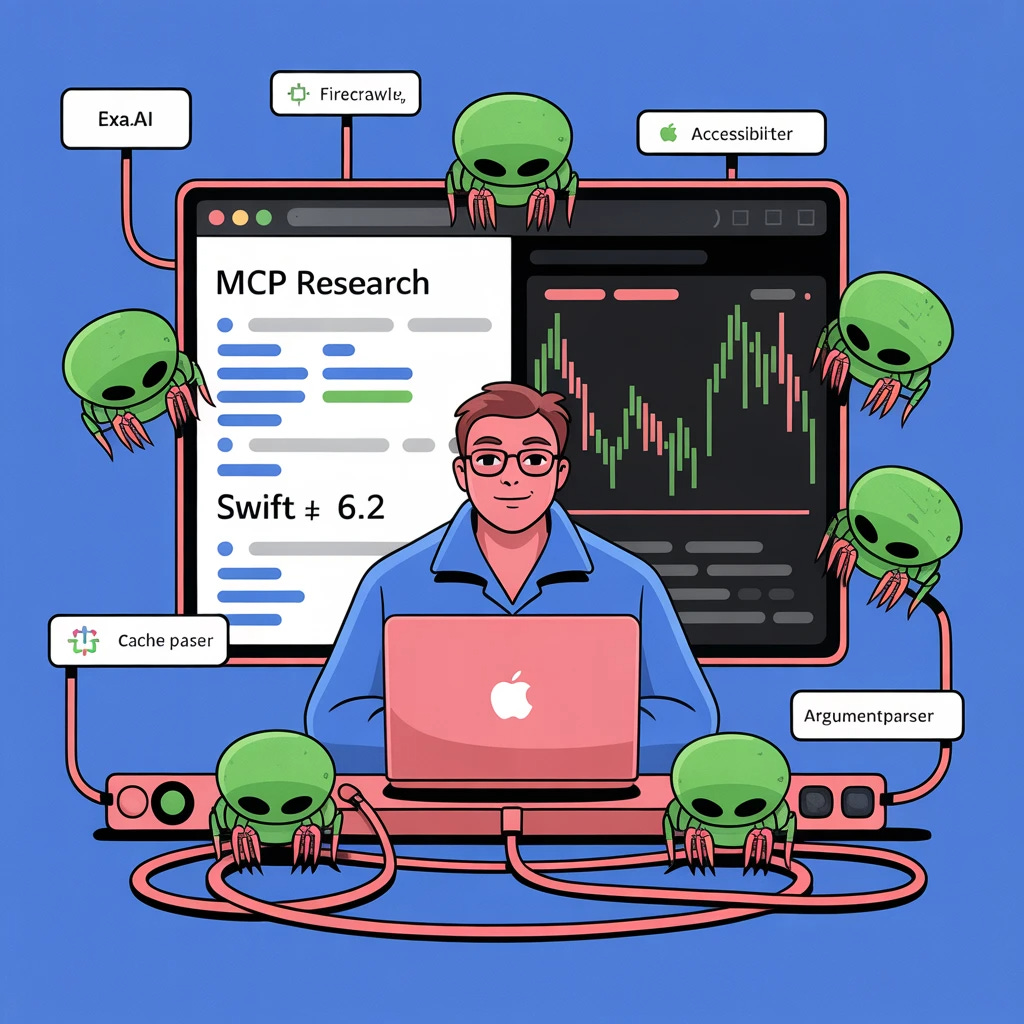
Exa.ai for Web Research
Query:
macOS Sequoia Apple Stocks app data location plist sqlite database 2024 2025
Exa surfaced:
Sandboxed app container:
~/Library/Containers/com.apple.stocks/Group containers for widgets
Old forensic references to plist locations
Then I searched:
Swift macOS Accessibility API AXUIElement screen scrape application window extract text rows table 2024
This surfaced code patterns from AXSwift and AXorcist.
Firecrawl for Deep Dives
When I needed detailed docs, firecrawl.dev MCP endpoints let me scrape pages instantly.
Filesystem Exploration
I inspected my machine:
find ~/Library/Containers/com.apple.stocks.widget -type f
Found the jackpot:
stock-record-source— binary record of all tracked symbolsfsCachedData/*— JSON files with cached prices
I could see all my tickers — AAPL, MSFT, GLTR, GOLD, TLT…
413 symbols total.
Planning With Parallel Agents
I launched two independent planning agents:
Accessibility API approach
How to scrape the running Stocks.appFilesystem cache approach
How to parse Apple’s widget cache format
Each agent explored references, returned patterns, and produced a spec.
Result: a complete blueprint for a dual-extraction CLI with fallback.
Swift 6.2 on macOS 26
Building this gave me space to try Swift 6.2’s newest features.
Strict Sendable Concurrency
struct StockItem: Codable, Sendable {
    let symbol: String
    var name: String?
    var price: String?
    var change: String?
    var changePercent: String?
}
The compiler forced me to fix non-Sendable types crossing actor boundaries — exactly the kind of concurrency bug that causes random crashes.
Global Actor Isolation Fixes
In Swift 6.2, this raised warnings:
let options = [kAXTrustedCheckOptionPrompt.takeUnretainedValue(): true]
The fix:
private let axTrustedPromptKey = “AXTrustedCheckOptionPrompt”
ArgumentParser 1.6
@main
struct StocksExportCLI: ParsableCommand {
    static let configuration = CommandConfiguration(
        commandName: “stocks-export”,
        abstract: “Export Apple Stocks watchlist to CSV”
    )

    @Option(name: .shortAndLong, help: “Output file path”)
    var output: String?

    @Flag(name: .long, help: “Output as JSON instead of CSV”)
    var json: Bool = false

    @Option(name: .long, help: “Extraction method”)
    var method: ExtractionMethod = .auto
}
No custom argument parsing. Just clean declarative Swift.
Deep Dive: Using the Accessibility API
The Accessibility API exposes every UI as a tree of AXUIElements.
Traversal pattern:
func dfs(_ root: AXUIElement, where predicate: (AXUIElement) -> Bool) -> [AXUIElement] {
    var result: [AXUIElement] = []
    var stack: [AXUIElement] = [root]

    while let node = stack.popLast() {
        if predicate(node) { result.append(node) }
        stack.append(contentsOf: axChildren(of: node))
    }
    return result
}
To extract rows from Stocks.app:
Locate process via bundle ID
Get main window AXUIElement
DFS into AXTable / AXOutline
Extract AXStaticText children
Parse fields by position/heuristics
This can break if Apple adjusts its UI hierarchy — which is why the filesystem fallback exists.
Parsing Apple’s Widget Cache Format
Example cache JSON:
{
  “GLTR”: {
    “query”: {
      “results”: {
        “item”: {
          “response”: {
            “data-series”: {
              “series”: {
                “p”: [
                  {
                    “v”: [
                      “138.14”,
                      “138.50”,
                      “137.80”,
                      “138.00”,
                      “1234567”
                    ]
                  }
                ]
              }
            }
          }
        }
      }
    }
  }
}
v = [close, high, low, open, volume].
To avoid confusing timestamps for prices:
if strValue.count >= 10, Int64(strValue) != nil {
    continue
}
The Result
A 1.6MB native macOS binary that:
Extracts 413 stocks in under 1 second
Works offline using filesystem cache
Works live using Accessibility API
Exports CSV or JSON
Includes debugging modes
Example:
$ stocks-export -o watchlist.csv
$ head -5 watchlist.csv
Symbol,Name,Price,Change,Change%
AAPL,Apple Inc.,203.96,+1.23,+0.61%
MSFT,Microsoft Corporation,378.91,-1.45,-0.38%
AMZN,Amazon.com Inc.,211.92,+2.15,+1.02%
GLTR,abrdn Physical Precious Metals Basket,138.14,+0.56,+0.41%
My Vibe Coding Workflow
Research first — exa.ai + firecrawl MCP
Plan in parallel — competing agent approaches
Iterate fast — Swift 6.2 caught every race condition
Dual extraction — UI scrape + filesystem cache
Ship — README, repo, binary, all in one sitting
Total time: one coding session.
Try It Yourself
Open source:
https://github.com/zetsuchan/apple-stocks-export
Commands:
git clone https://github.com/zetsuchan/apple-stocks-export.git
cd apple-stocks-export
swift build -c release
.build/release/stocks-export -o ~/Desktop/watchlist.csv
What’s Next?
This whole pattern — MCP-powered research, parallel agents, modern Swift — generalizes.
What other data in your apps is locked away behind sandboxes and forgotten APIs?
Time to free it.